
Oct 13, 01:42:07 AM·Ready · Took 1 min 8 sec · −816 credits
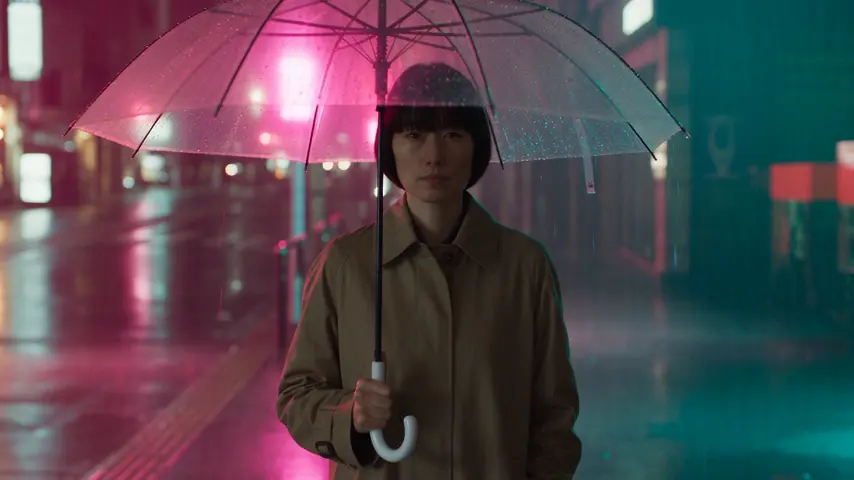
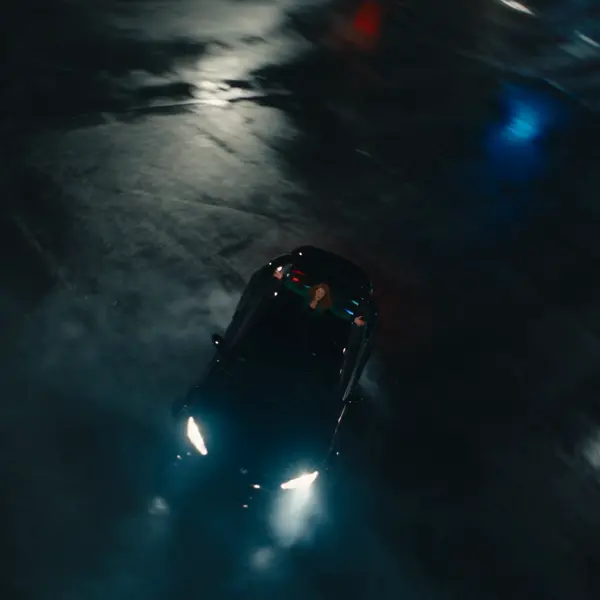
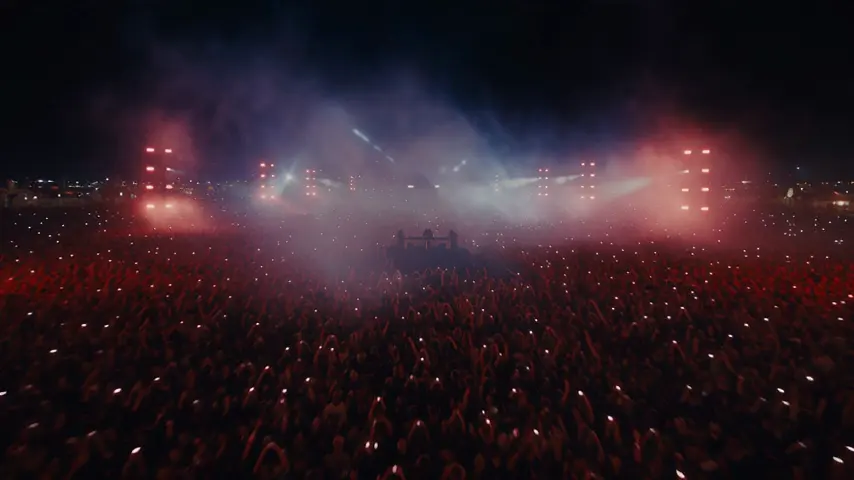
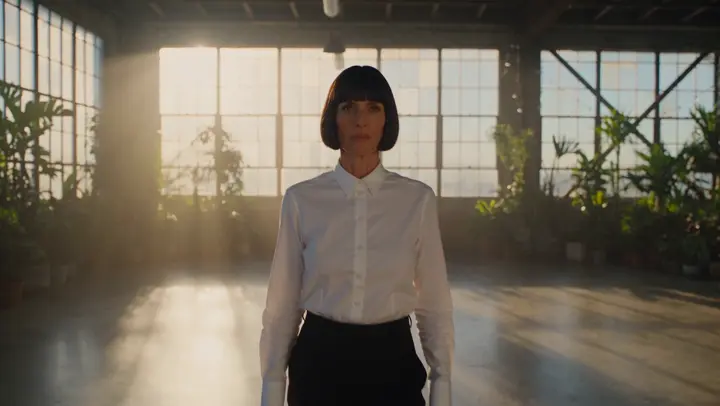
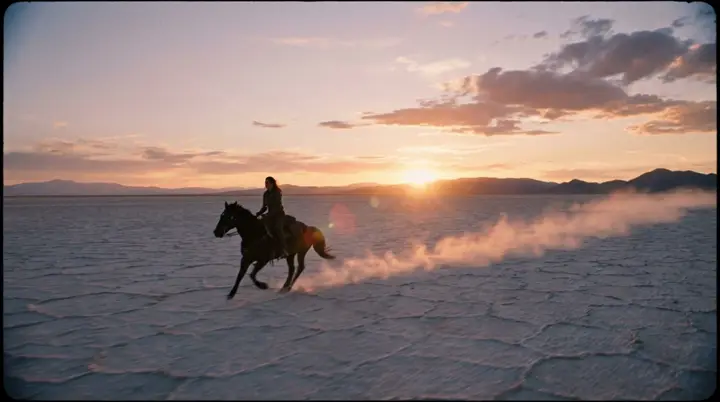
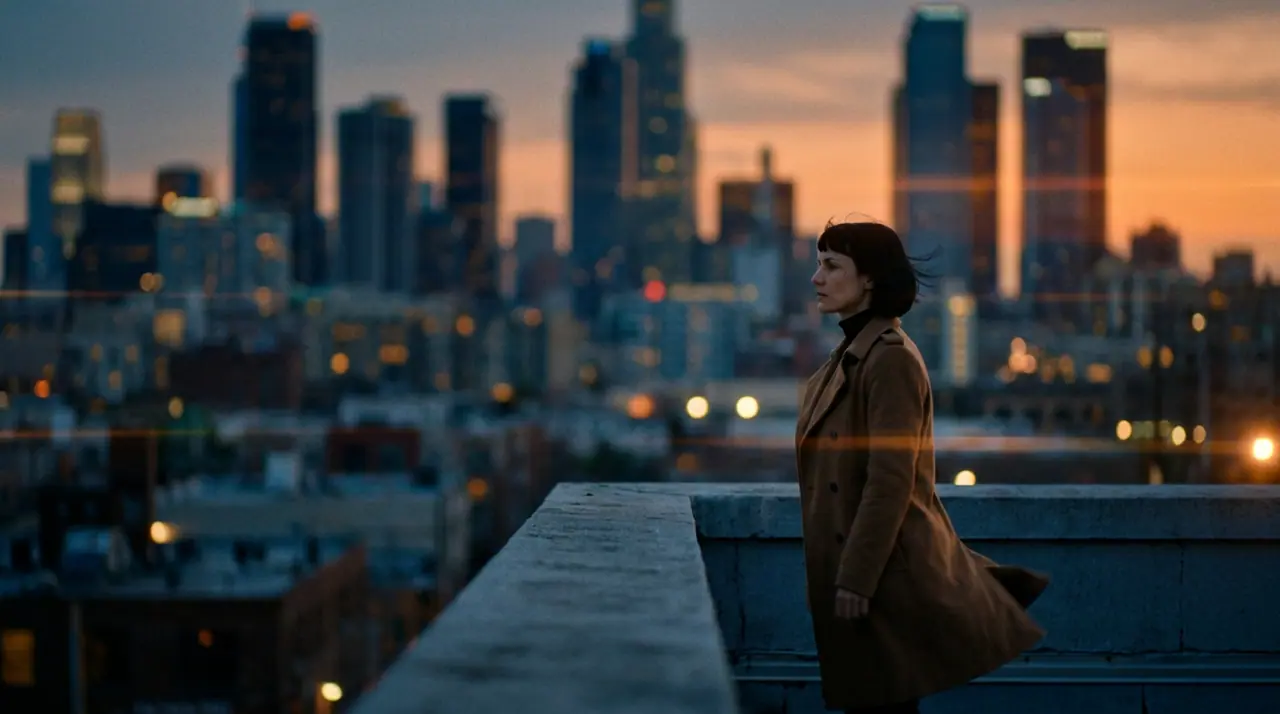
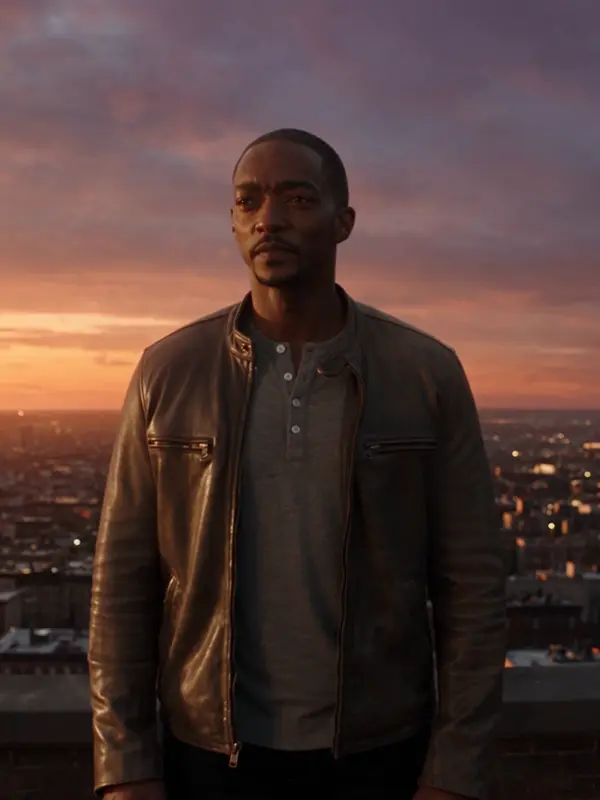
@Mara on a rooftop at dusk, her coat caught in the wind, the city lighting up below. anamorphic, 35mm. push-in
Veo 3.1 Fast · 8s · 1080p · 16:9 · 2 takes

Extend Lead into
Tool
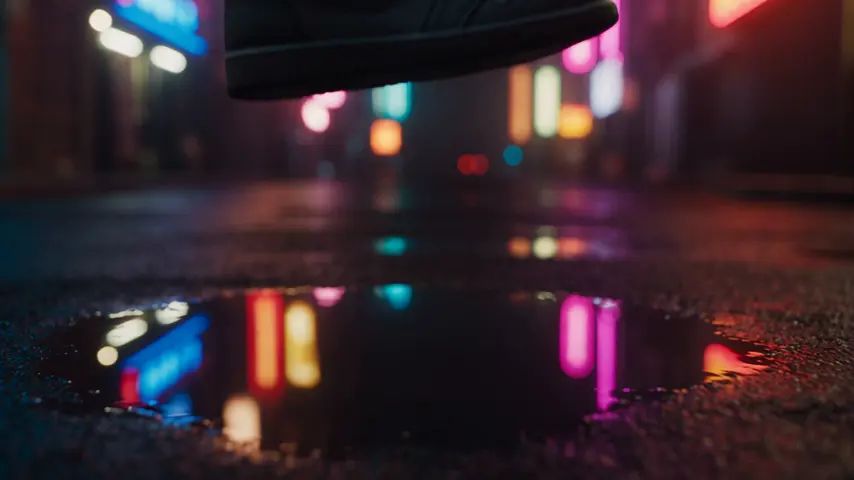
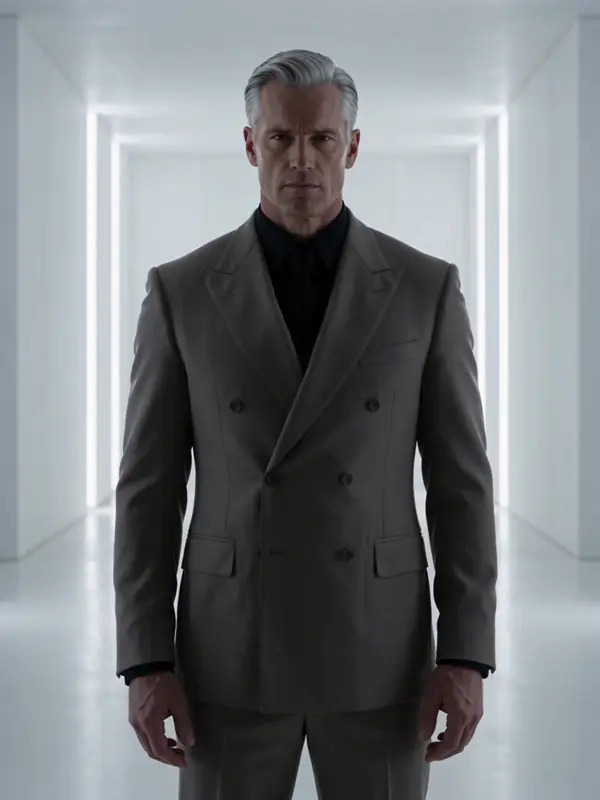
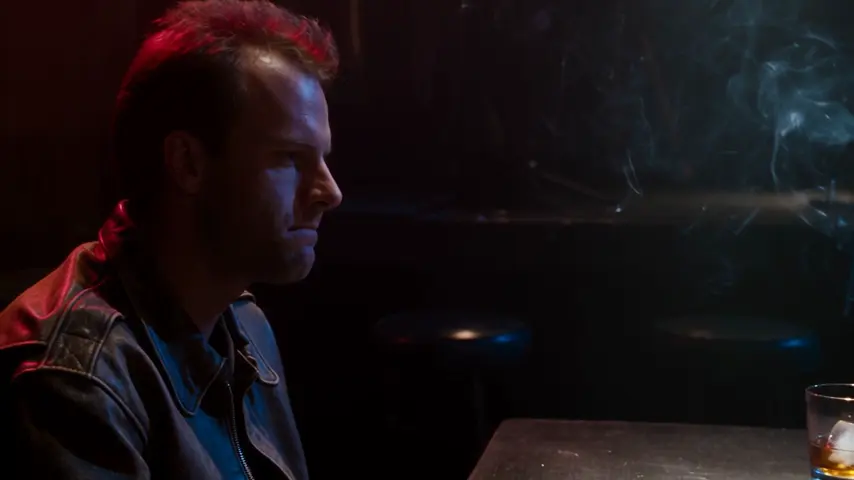
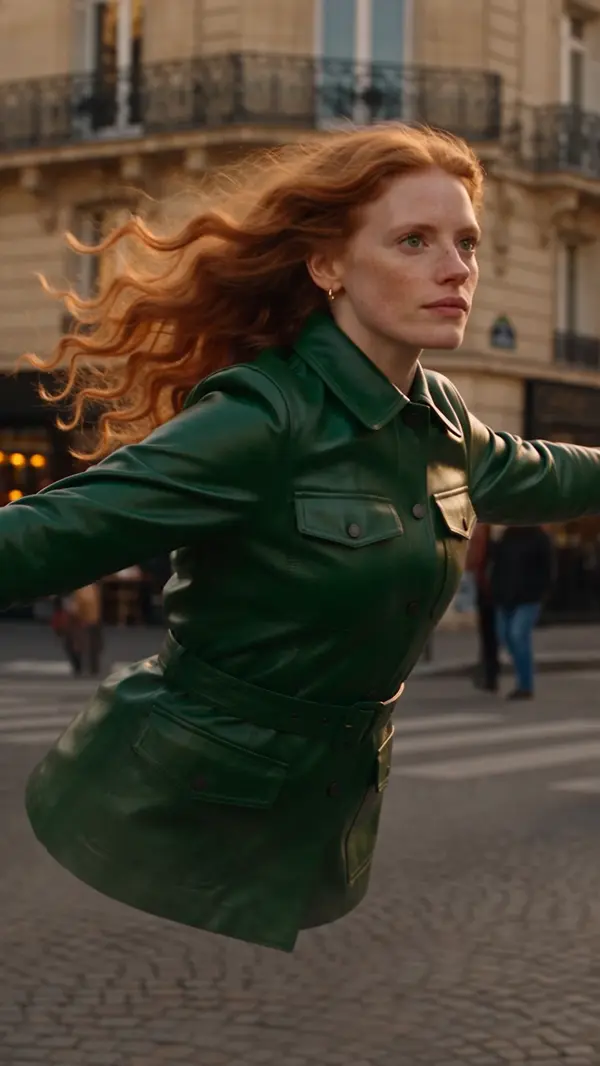
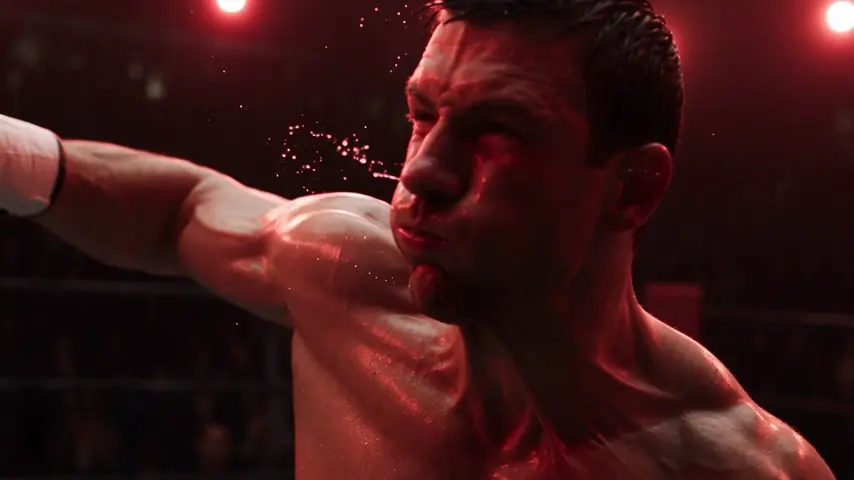
A prompt says what happens; the camera says how it feels. On eroq you direct the camera in words: write "slow push-in" or "dolly zoom" in the prompt, or insert a move, a lens or an aperture from the Syntax menu at the foot of the composer. The prompt lights up every phrase it recognizes, 24 camera moves among them, from a locked-off static frame to a snorricam rig, and each one rides the render in the register the engine understands. Lighting and palette sit in Settings.
Opens the studio with this filled in. Sign up when you generate: 40 free credits, no card.
Video · Create
@Mara on a rooftop at dusk, her coat caught in the wind, the city lighting up below. anamorphic, 35mm. push-in
Oct 13, 01:42:07 AM·Ready · Took 1 min 8 sec · −816 credits
@Mara on a rooftop at dusk, her coat caught in the wind, the city lighting up below. anamorphic, 35mm. push-in
Veo 3.1 Fast · 8s · 1080p · 16:9 · 2 takes
Lenses: clean sharp, anamorphic, vintage anamorphic, soft portrait, macro, fisheye. Apertures: f/1.4 wide open, f/4, f/11 deep focus. Lighting: silhouette, practicals, window light, overhead fall, contre-jour, soft cross, neon glow. A soft-portrait lens at f/1.4 with a slow push-in is the intimate close-up; an anamorphic lens with a crane up and contre-jour is the trailer shot.
Slow moves (pan, push-in, orbit) render cleanly everywhere. Fast moves (whip pan, FPV, chaotic tempo) are best on Hailuo and Seedance. Handheld suits Kling's human motion and the UGC ad template. Keep one move per clip: stacking two in five seconds reads as a mistake.
Clap · AI agent
Describe the result in Ask. Clap asks what it needs, picks the engines, writes the prompts and prices the plan. Once you approve, it renders everything into your library. Fully automated, and nothing runs before you say yes.
Ask · Clap
Clap · Thought for 6s
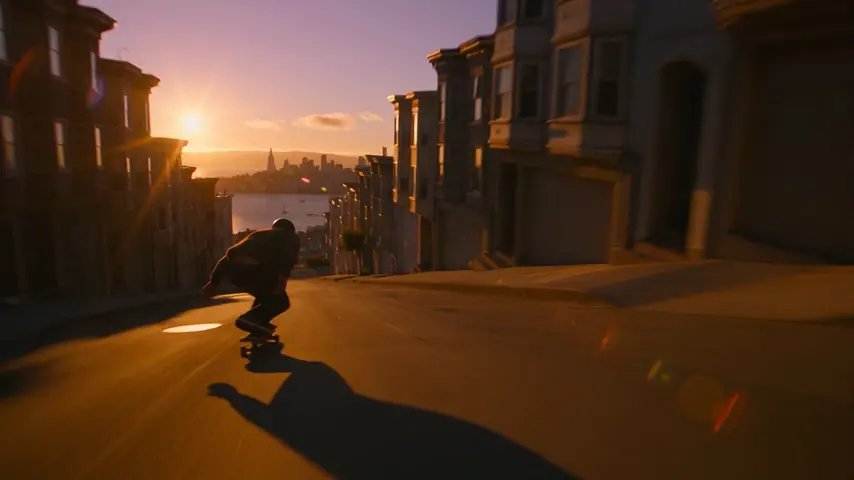
Three takes on the same move, each its own clip. Here is the plan.
Production
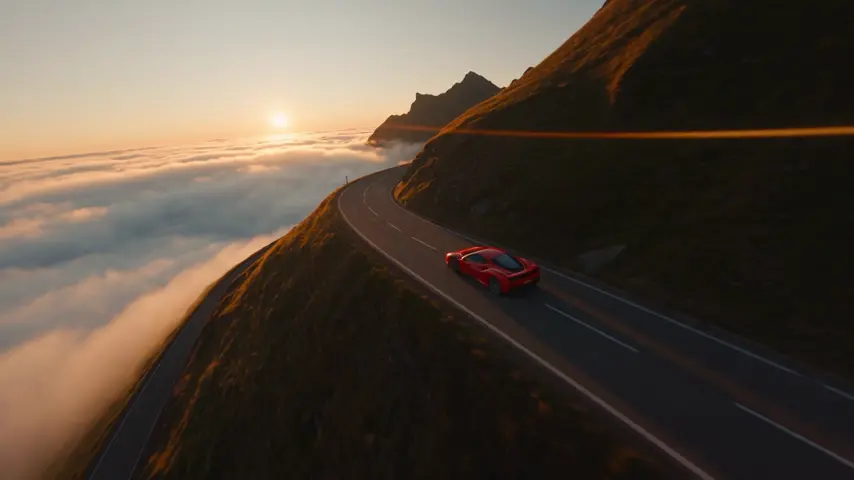
Saved to your library
Pick one: it goes into the box at the top, ready to generate.
On eroq, yes: write the move in the prompt or insert it from the Syntax menu. 24 camera moves, 6 lenses and 3 apertures are recognized and applied with the render, and 7 lighting setups sit in Settings.
All of them take the move as part of the prompt; the Seedance, Kling, Hailuo and Veo families follow complex moves like dolly zoom and FPV faithfully.
A push-in moves the camera toward the subject. A dolly zoom moves in while zooming out (or the reverse), so the subject stays the same size while the background stretches — the vertigo effect.
Keep exploring