






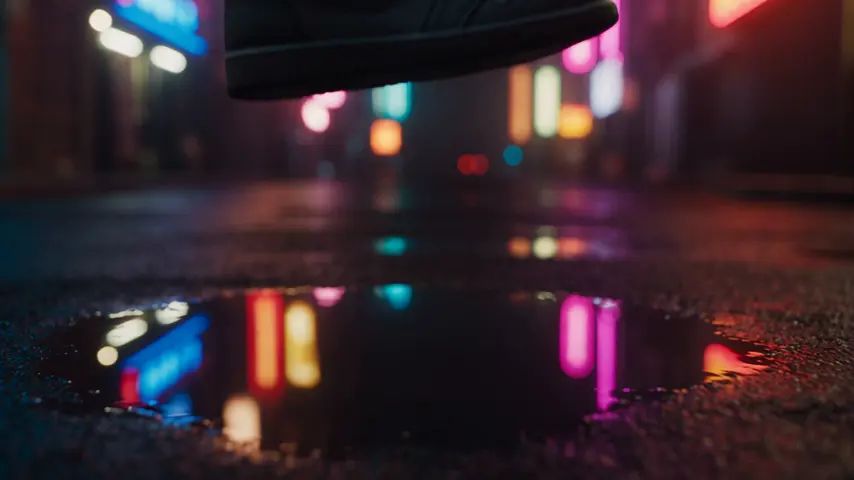


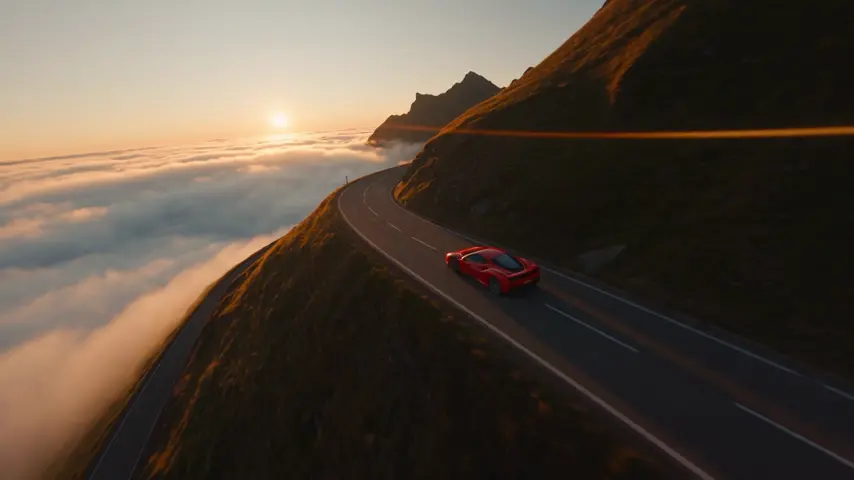
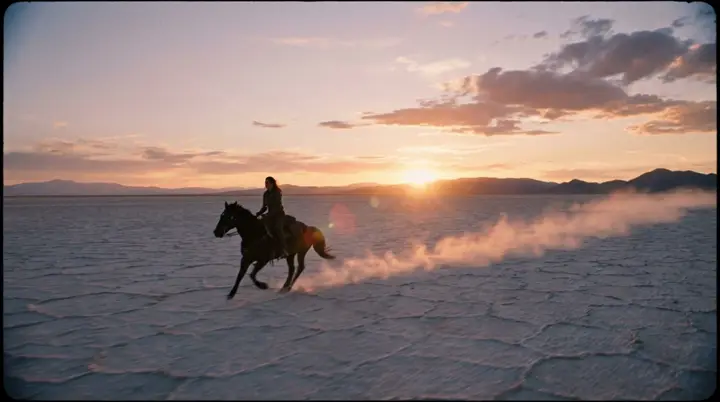
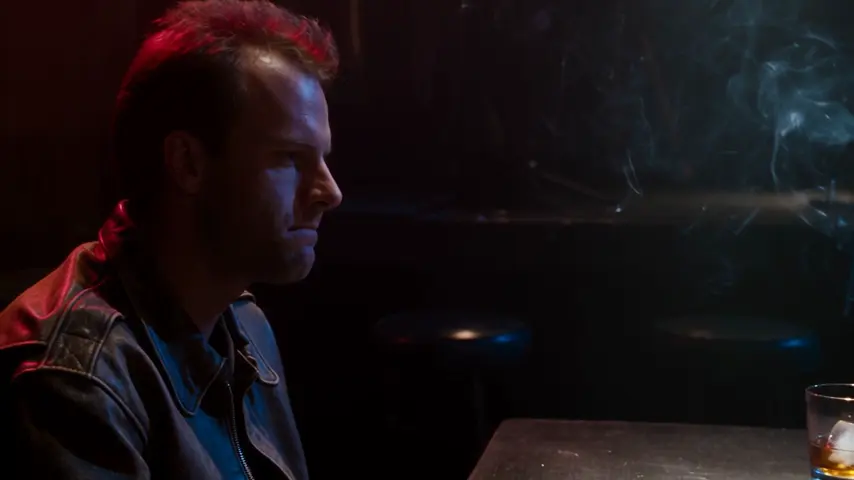
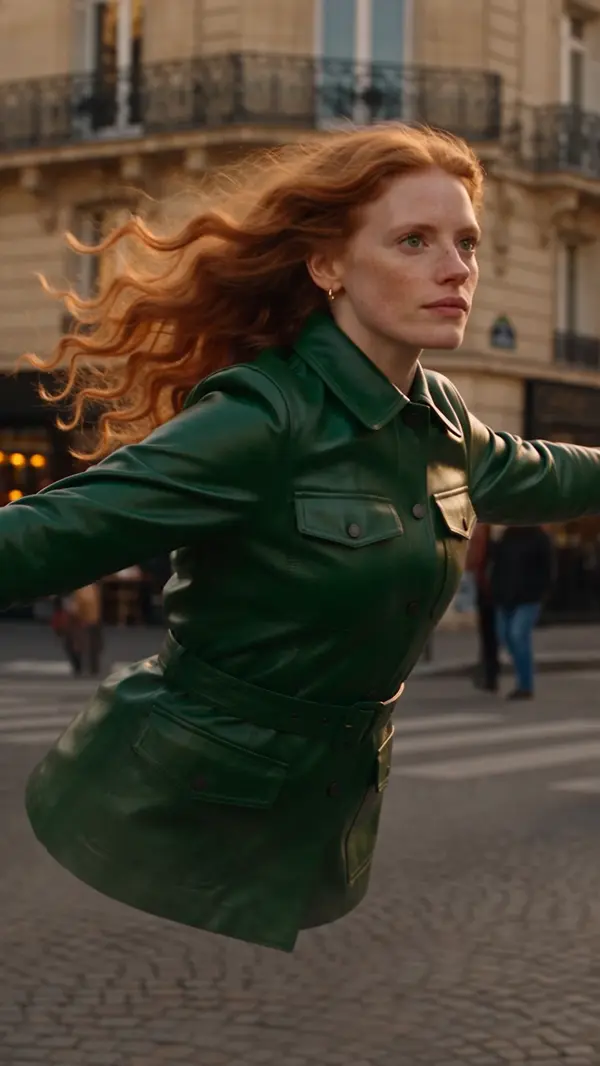

Video engine
Veo 3.1 — Google's flagship, with sound
Veo 3.1 is Google's flagship video model: 4, 6 or 8 second clips at 720p, 1080p or 4K, with dialogue, ambience and effects generated together with the picture. It reads up to three reference pictures for identity and takes a first and a last frame, a seed and a negative prompt. 169 credits / second with sound — the same at 720p and 1080p — on the Creator plan and up.
Opens the studio with this filled in. Sign up when you generate: 40 free credits, no card.
- Price
- 169 credits / second with sound, at 720p or 1080p alike · 4K costs more · silent costs less
- Length
- 4, 6 or 8 seconds
- Resolution
- 720p · 1080p (default) · 4K
- Formats
- 16:9 · 9:16
- Sound
- Native — dialogue, ambience and effects · Soundtrack toggle
- Inputs
- Text · start frame · end frame · up to 3 reference pictures · negative prompt · seed
- Access
- Creator plan and up ($49/month)
- Content
- Moderated upstream by the provider
What Veo 3.1 is for
Veo 3.1 is the engine for clips that will be watched with the sound on. The soundtrack is generated with the picture — room tone, footsteps, a door, a line of dialogue — so an ad, a short or a character beat arrives with its sound instead of waiting for a sound pass.
Eight seconds is its ceiling, so think in shots rather than scenes: one beat, finished. Longer pieces are a Cinema job — storyboard the scenes and render each one as its own Veo shot.
How to prompt it
- →Write the sound as precisely as the picture: "rain on a tin roof, a kettle starting to whistle" beats "ambient sounds".
- →Keep dialogue short, in quotes and attributed — @Theo says "Wait for me." One or two lines fill an 8-second clip.
- →@mention your cast and elements: up to three of their pictures ride as references, anything beyond rides as text.
- →Put what should not appear in the Avoid field — the negative prompt — instead of negating inside the prompt.
- →Need an exact opening or closing image? Set a start or end frame and describe only the motion between them.
Where it sits in the Veo family
Veo 3.1 Fast renders the same 4 to 8 second clips with the same controls — three reference pictures, frames, seed, negative prompt — quicker and for far less, from the Hobby plan. Veo 3.1 Lite keeps the sound and the frames on every account but reads no reference pictures. Draft on Fast; render on 3.1 when the shot matters.
Starting points
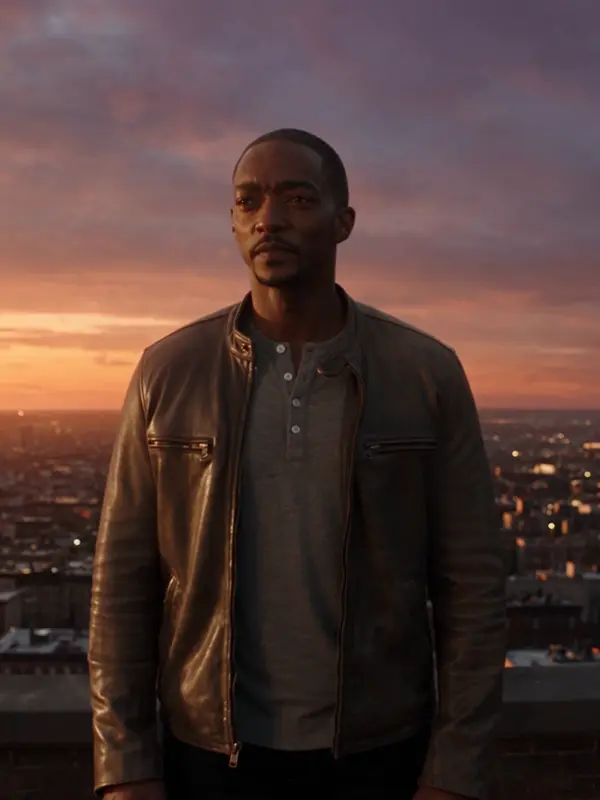
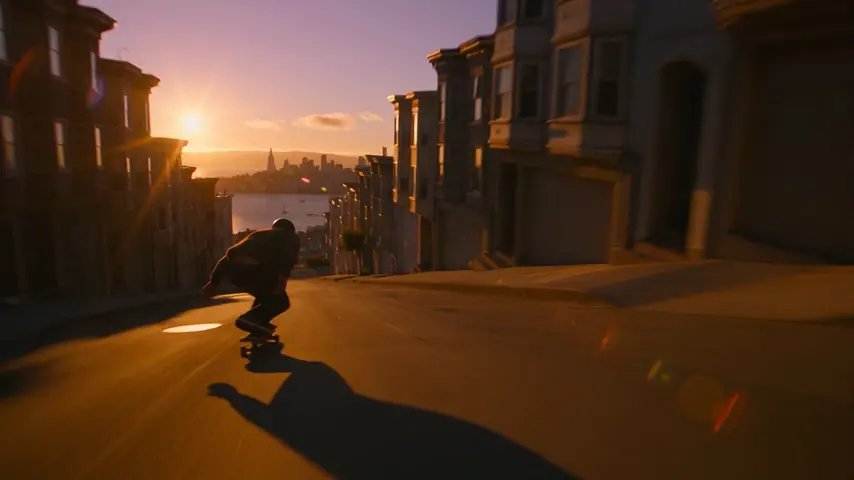
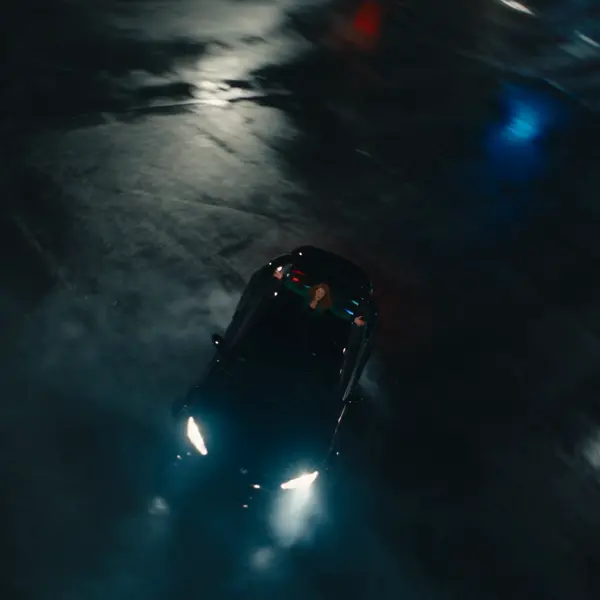
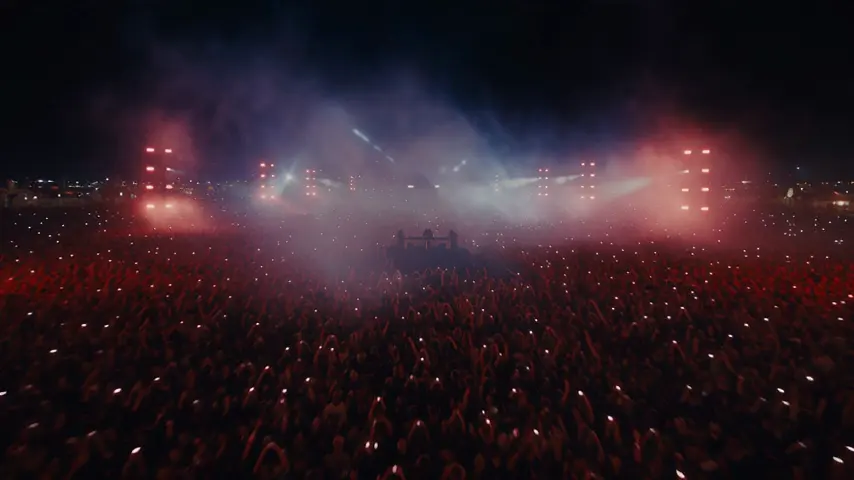
Pick one: it goes into the box at the top, ready to generate.
Frequently asked questions
Does Veo 3.1 generate audio?
Yes. With the Soundtrack toggle on, dialogue, ambience and sound effects are generated together with the picture. Turn it off for a silent clip, which costs less per second.
How long can a Veo 3.1 clip be?
4, 6 or 8 seconds. Veo renders in two-second steps, and the studio snaps any other length onto that grid before pricing.
How much does a Veo 3.1 clip cost?
169 credits / second with sound, the same at 720p and 1080p: 676 credits for 4 seconds, 1,014 credits for 6 and 1,352 credits for 8. 4K costs more per second. A failed render refunds automatically.
Is there a Veo 3.1 API?
Yes. Send model "veo-3-1" to POST /v1/videos/generations with your eroq key — the same engine, controls and credit balance as the studio, documented in the video API reference.
Is Veo 3.1 uncensored?
No. Veo is moderated upstream by its provider; a prompt it refuses returns content_blocked and costs nothing. Motion One, eroq's own engine, is the uncensored one — and it retains nothing upstream.
Keep exploring