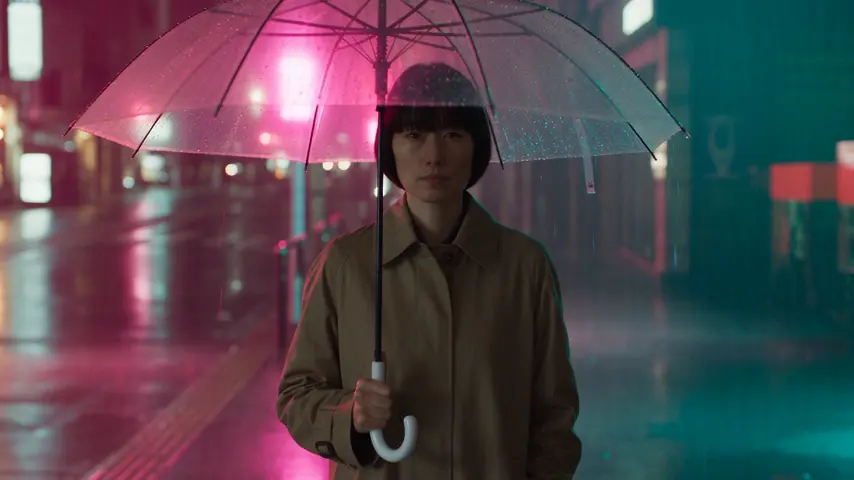
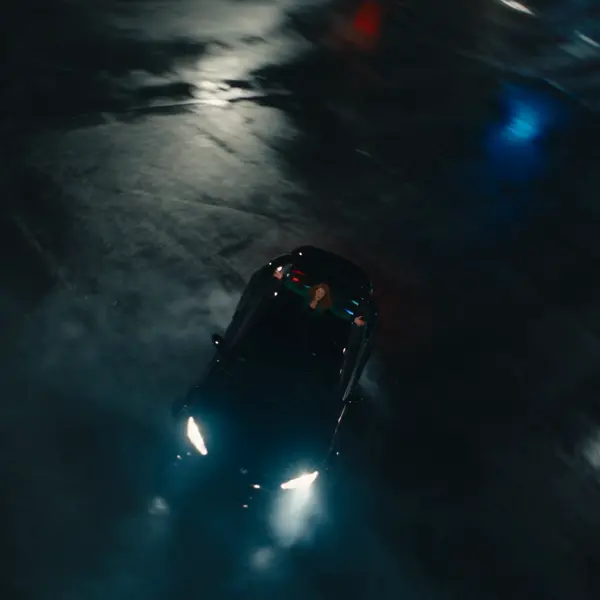
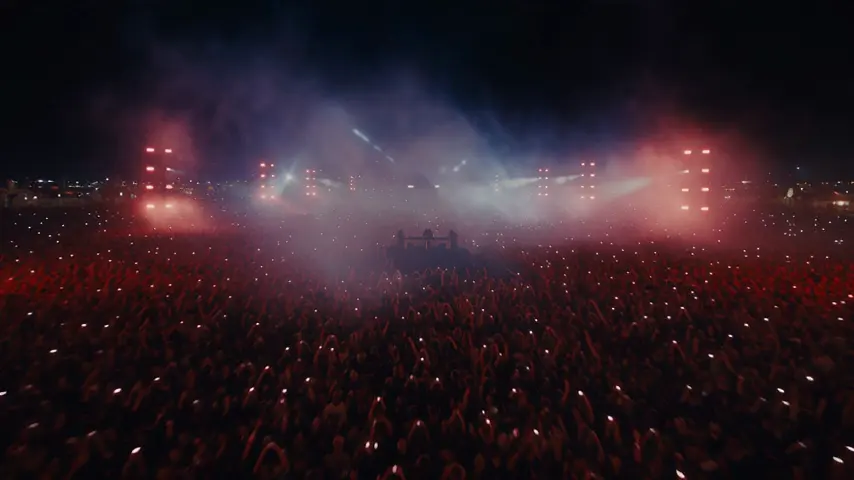
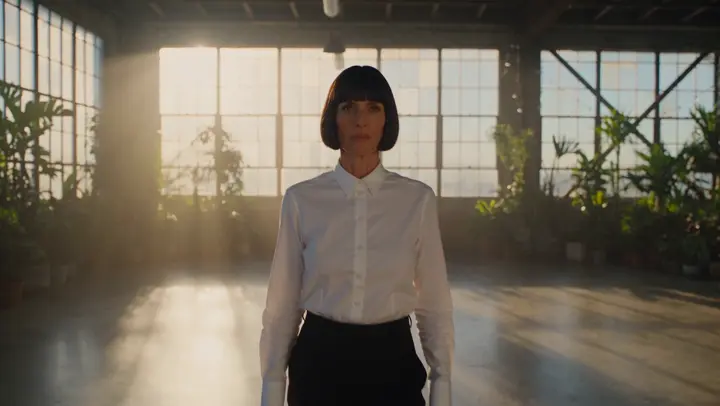
Oct 13, 01:42:07 AM·Ready · Took 1 min 8 sec · −816 credits
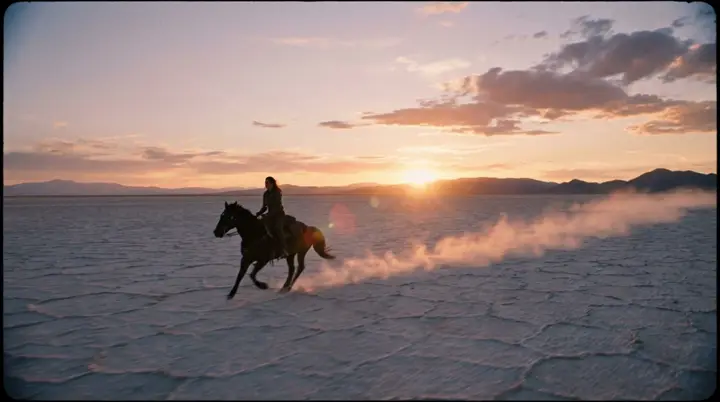
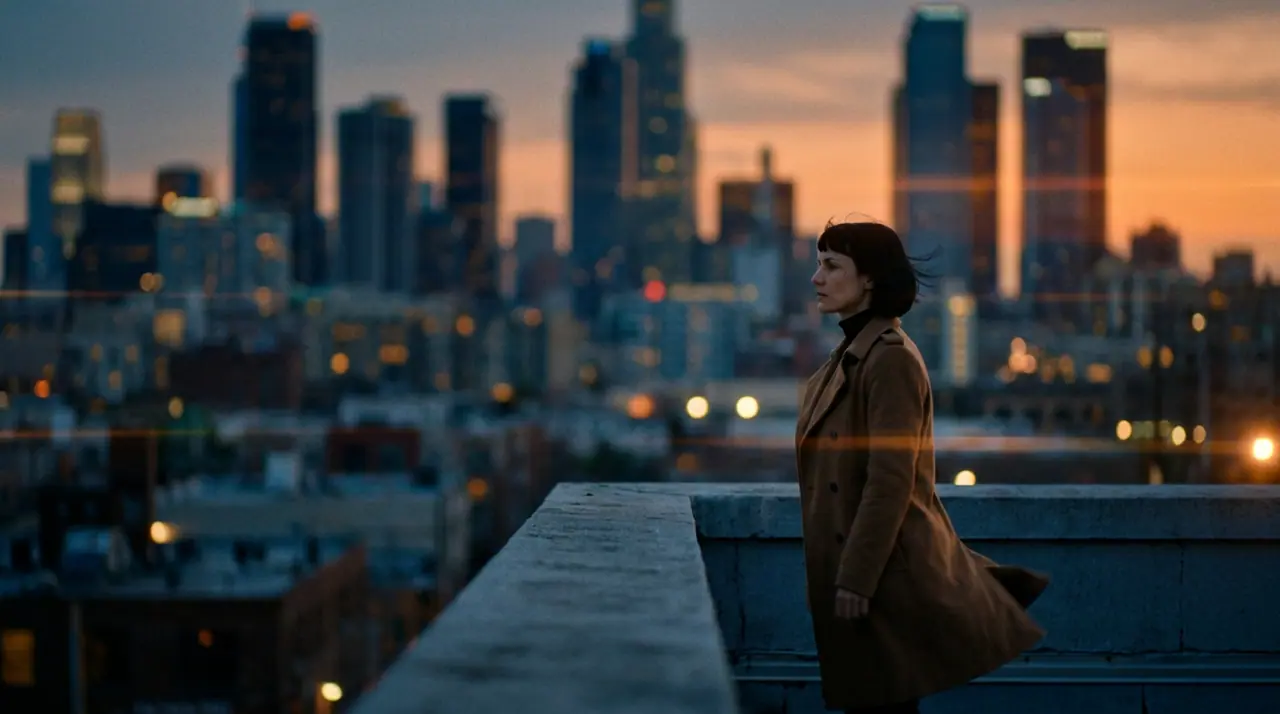
@Mara on a rooftop at dusk, her coat caught in the wind, the city lighting up below. anamorphic, 35mm. push-in
Veo 3.1 Fast · 8s · 1080p · 16:9 · 2 takes

Extend Lead into
Tool
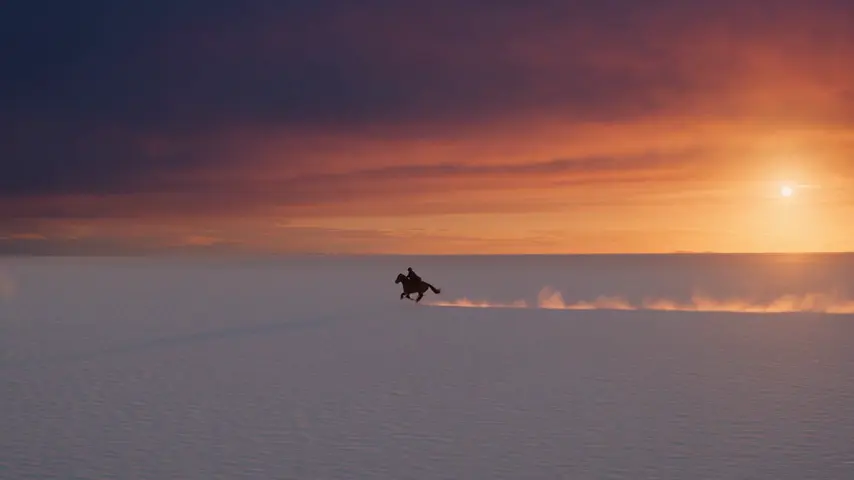
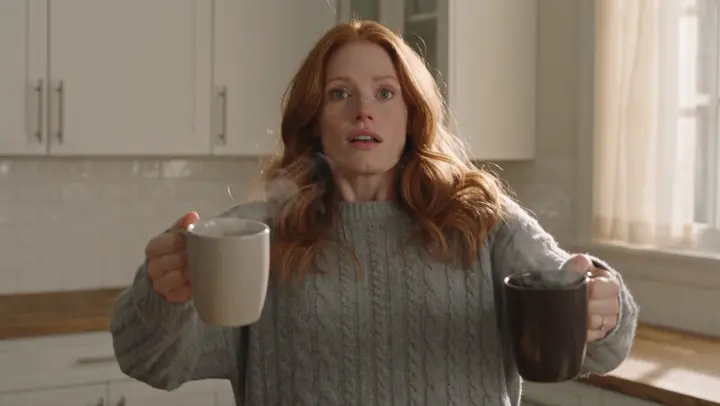
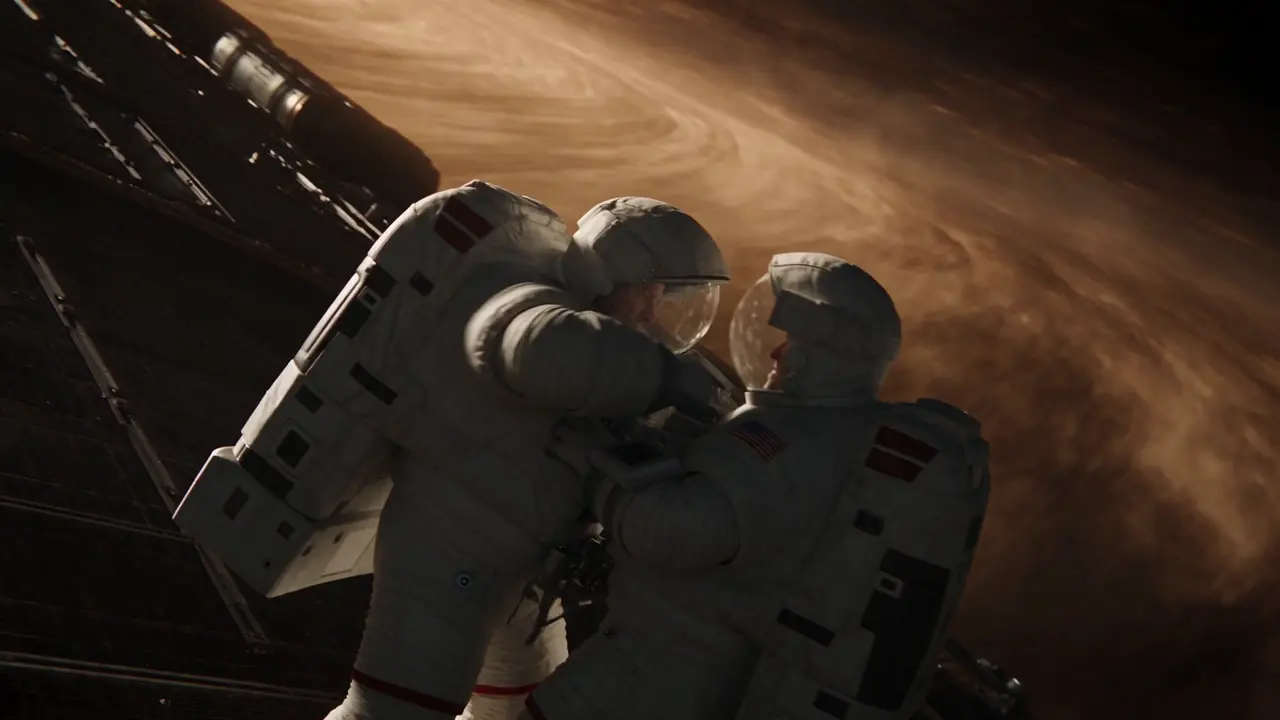
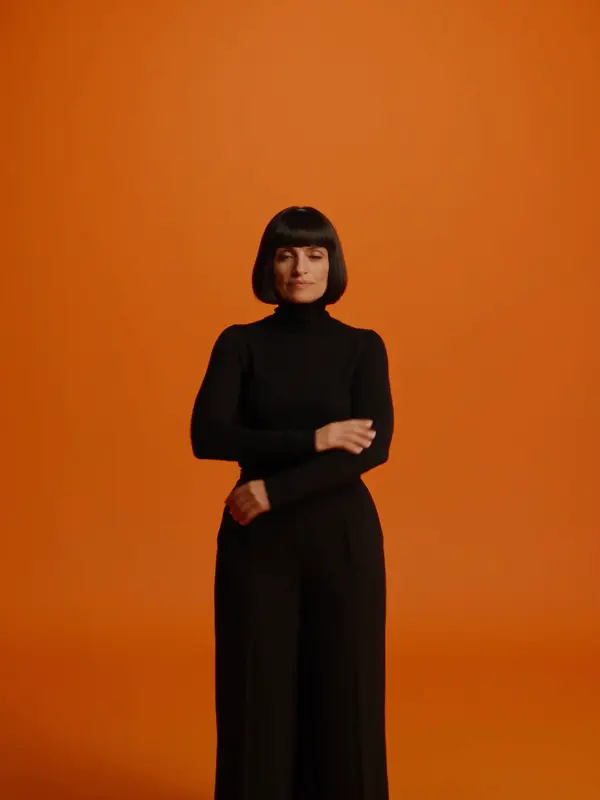
Start from a picture and describe only what moves. Image-to-video keeps the face, wardrobe and framing of your reference — a photo or a render from the image studio — and animates it on the engine you choose. The Seedance, Veo 3.1, Kling and Hailuo engines add an end frame, so a clip can travel from one exact image to another.
Opens the studio with this filled in. Sign up when you generate: 40 free credits, no card.
Video · Create
@Mara on a rooftop at dusk, her coat caught in the wind, the city lighting up below. anamorphic, 35mm. push-in
Oct 13, 01:42:07 AM·Ready · Took 1 min 8 sec · −816 credits
@Mara on a rooftop at dusk, her coat caught in the wind, the city lighting up below. anamorphic, 35mm. push-in
Veo 3.1 Fast · 8s · 1080p · 16:9 · 2 takes
The reference already says who and where. The prompt should say what happens: "she turns toward the window and the curtain lifts in the breeze", "slow push-in as steam rises off the cup". Describing the subject again fights the reference; describing the motion directs it.
Every video engine on eroq accepts a start frame. eroq Motion One, Seedance, Veo, Kling and Hailuo also accept an end frame and interpolate the motion between the two; Seedance, Veo, Runway Gen-4.5 and Wan 3.0 honor a seed for repeatable takes. Kling is the pick for faces, Hailuo 3 for physics, Motion One for uncensored, private renders. Each engine renders its own set of native aspect ratios.
Clap · AI agent
Describe the result in Ask. Clap asks what it needs, picks the engines, writes the prompts and prices the plan. Once you approve, it renders everything into your library. Fully automated, and nothing runs before you say yes.
Ask · Clap
Clap · Thought for 6s
Three takes on the same move, each its own clip. Here is the plan.
Production
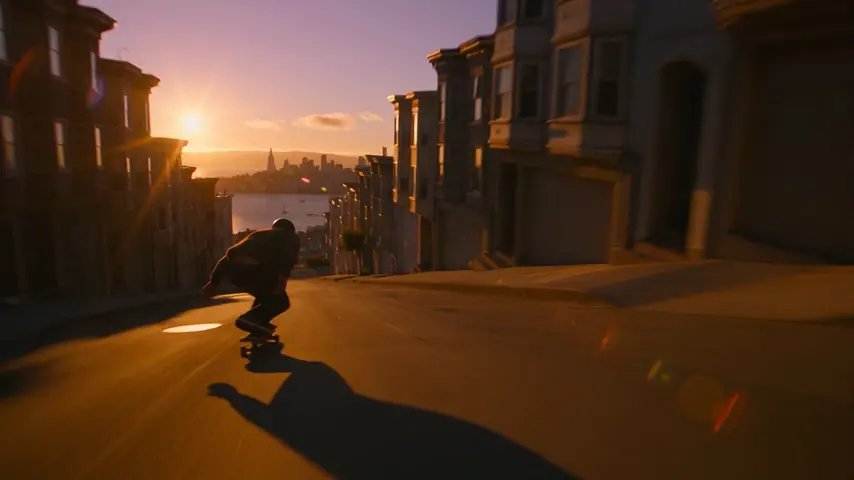
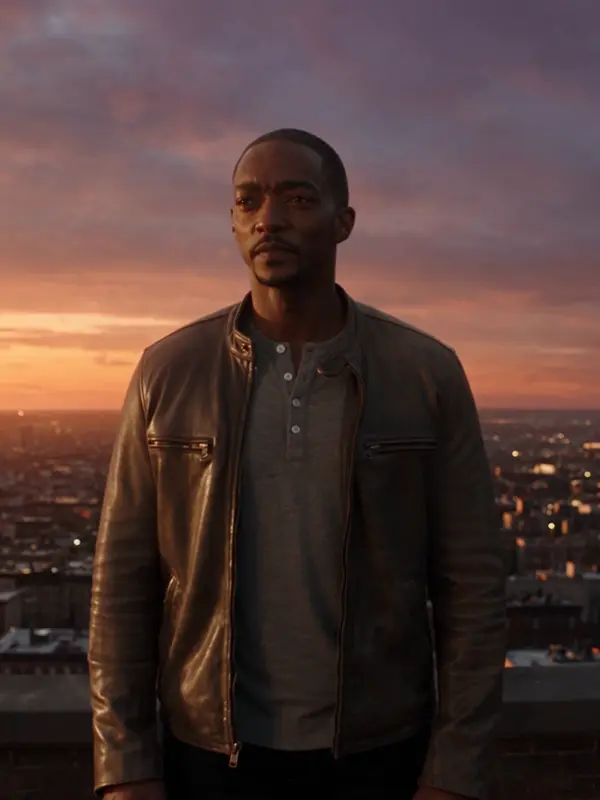
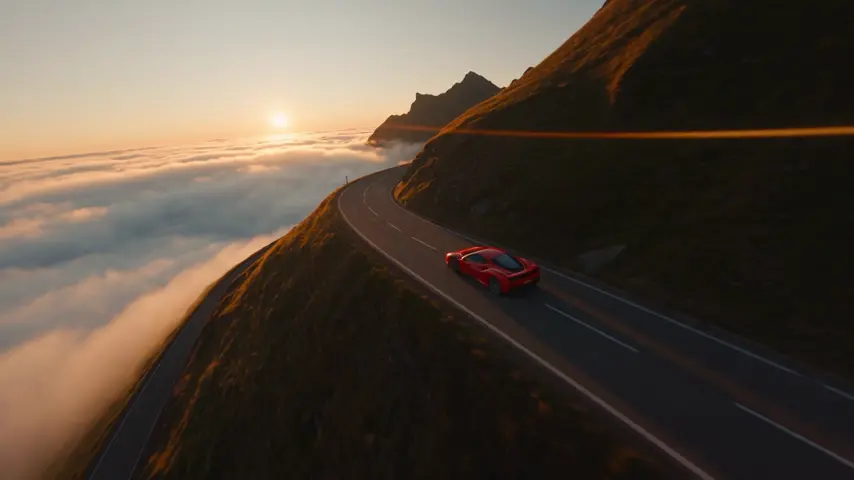
Saved to your library
Pick one: it goes into the box at the top, ready to generate.
You can animate photos of fictional characters and original creations. Real, identifiable people without consent — including deepfakes — are banned by the acceptable-use policy and enforced.
Every engine: eroq Motion One, Motion Pro, Seedance, Veo, Kling, Hailuo, Runway Gen-4.5, Grok Imagine and Wan 3.0. eroq Motion One, Seedance, Veo, Kling and Hailuo additionally take an end frame.
Save them as a Character and @mention them in each prompt: on the engines that read reference pictures their identity sheet rides along, so the face holds. In Cinema, each scene of a film has its own cast.
Only on Grok Imagine, which adds 5 credits per frame picture. Everywhere else the start image is free: the price is the engine's per-second rate at your resolution, or Motion One's 29 a second.
Keep exploring