

Use case
Short films
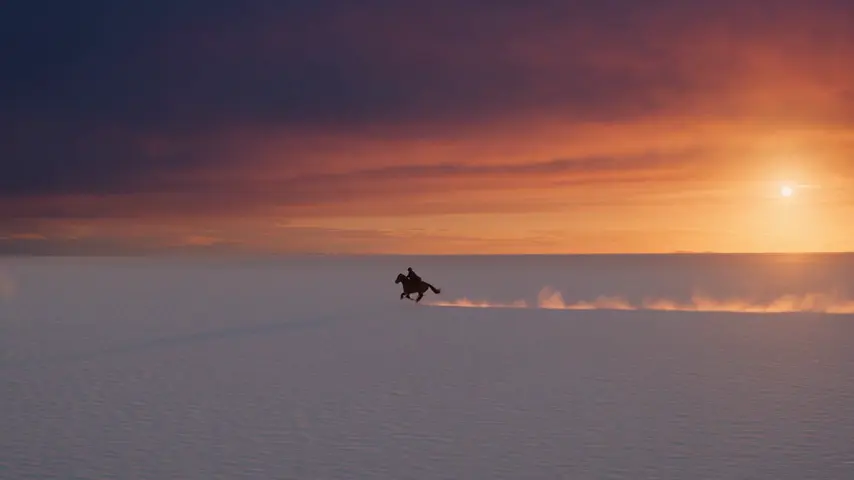
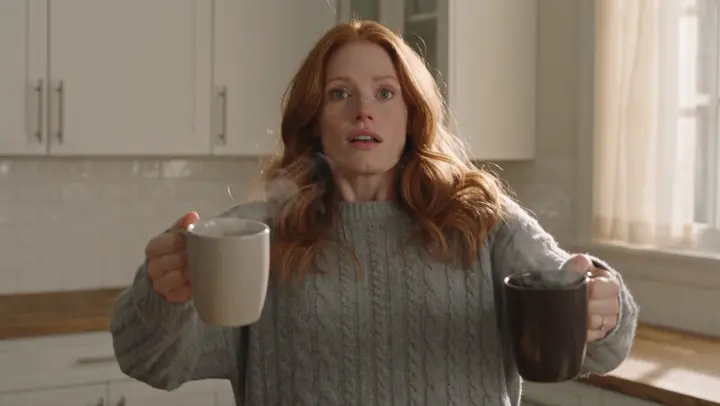
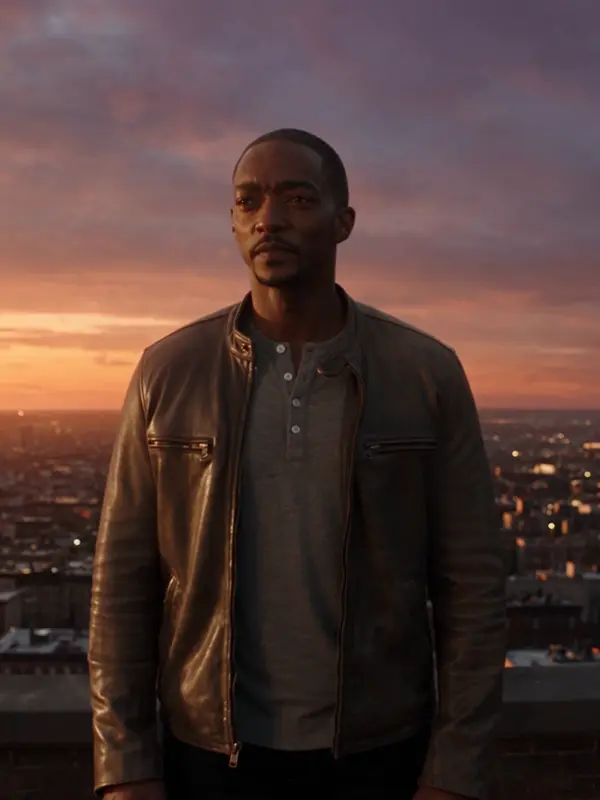
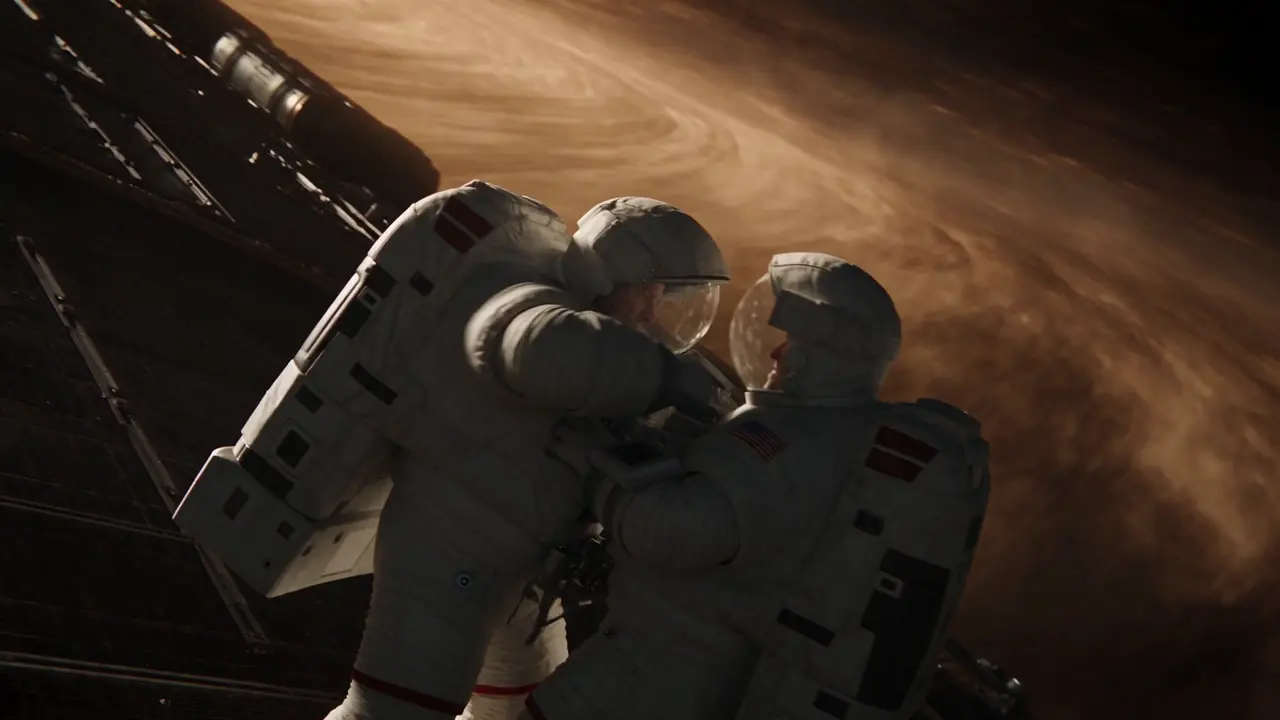
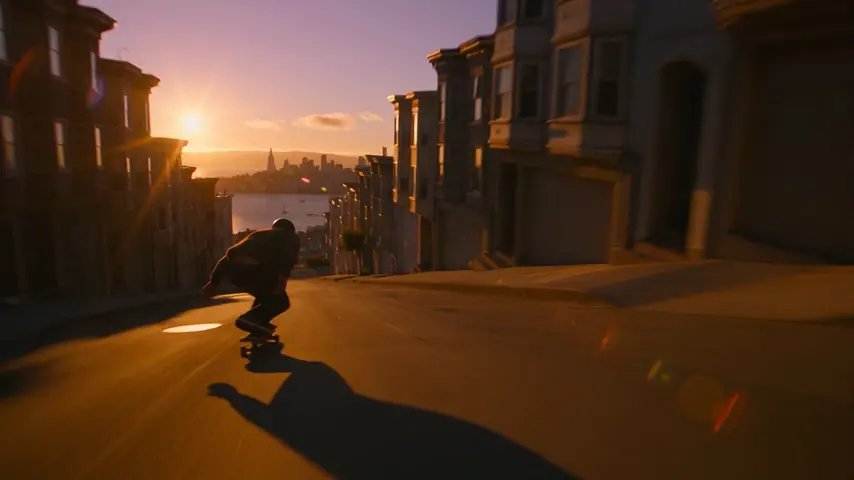
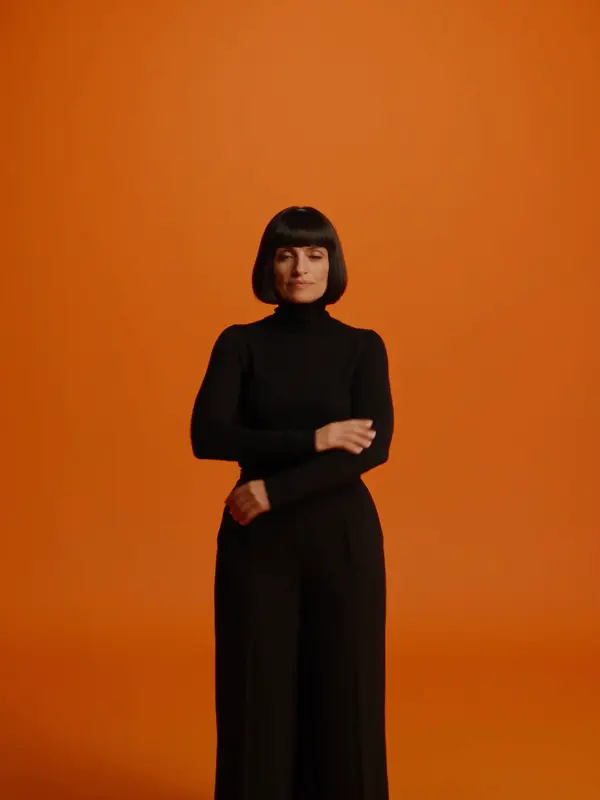
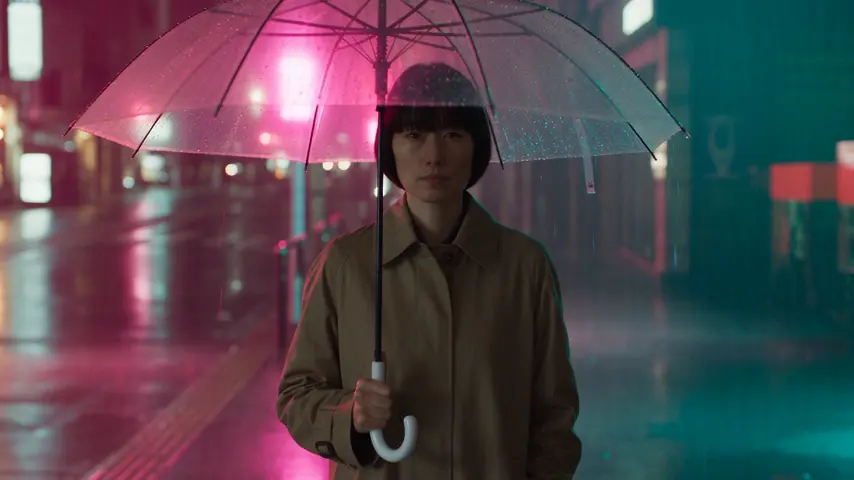
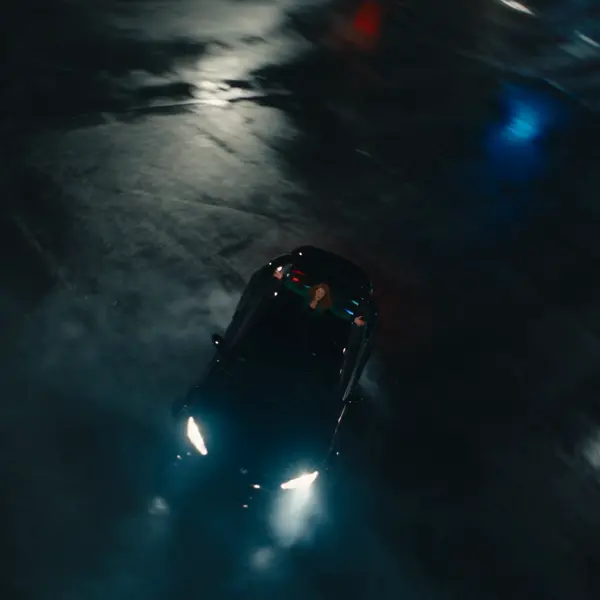
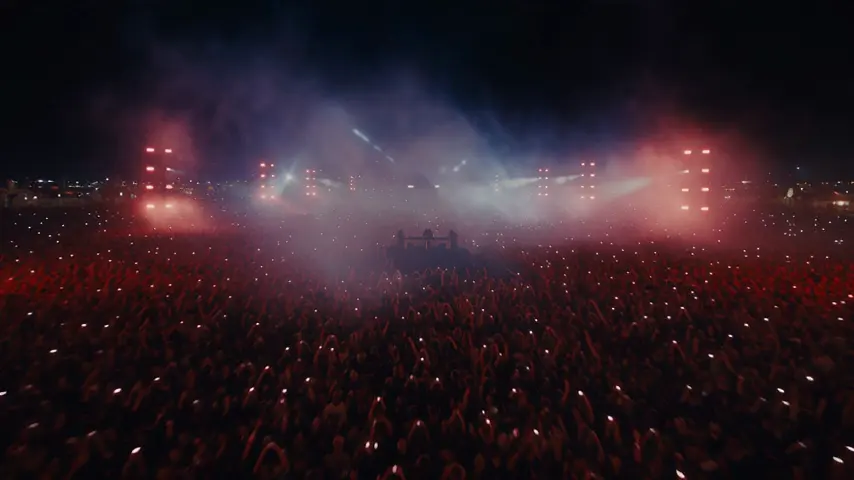
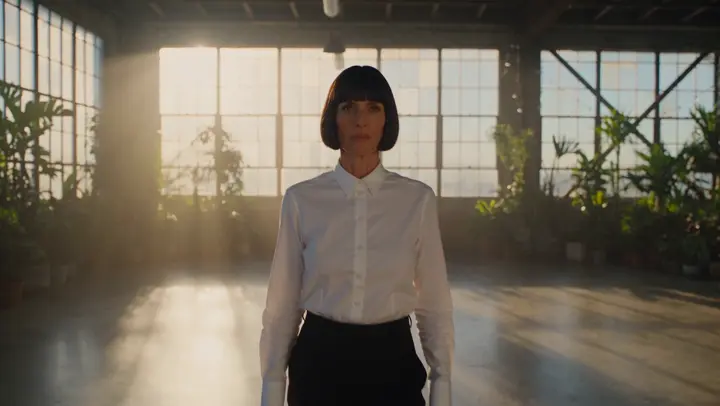
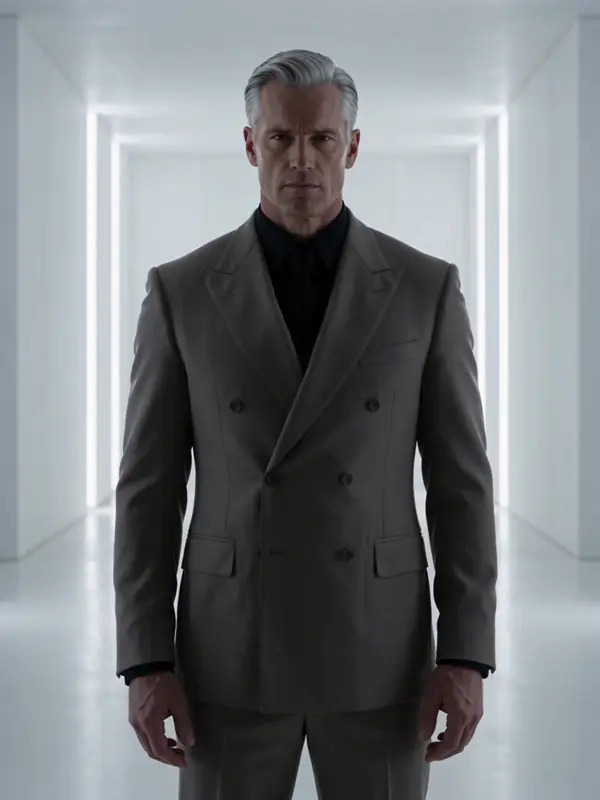
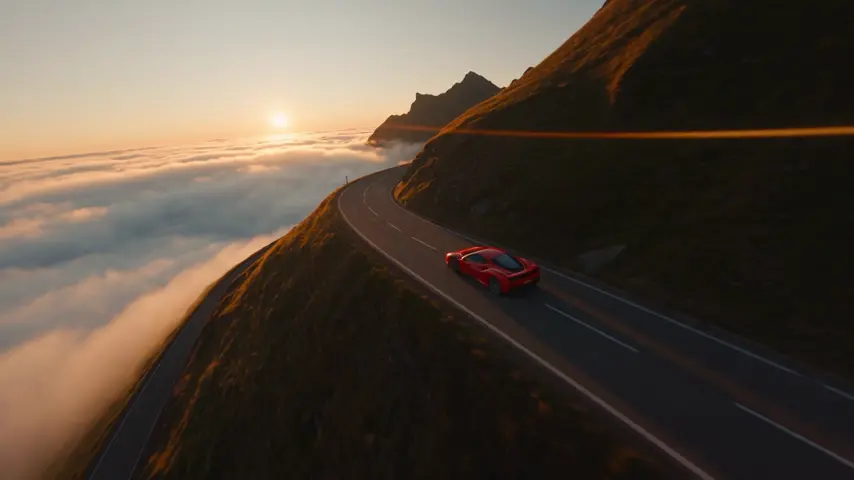
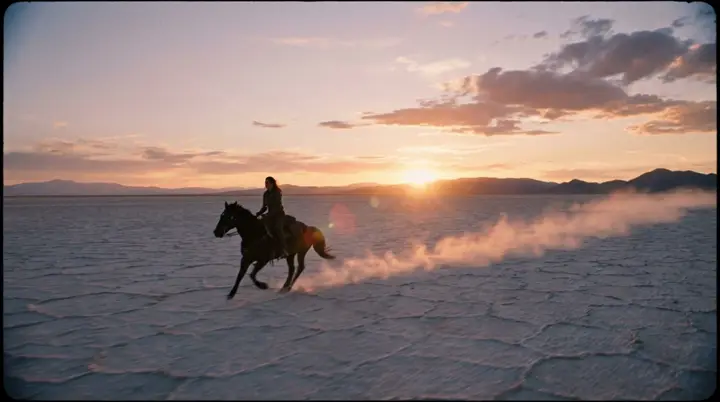
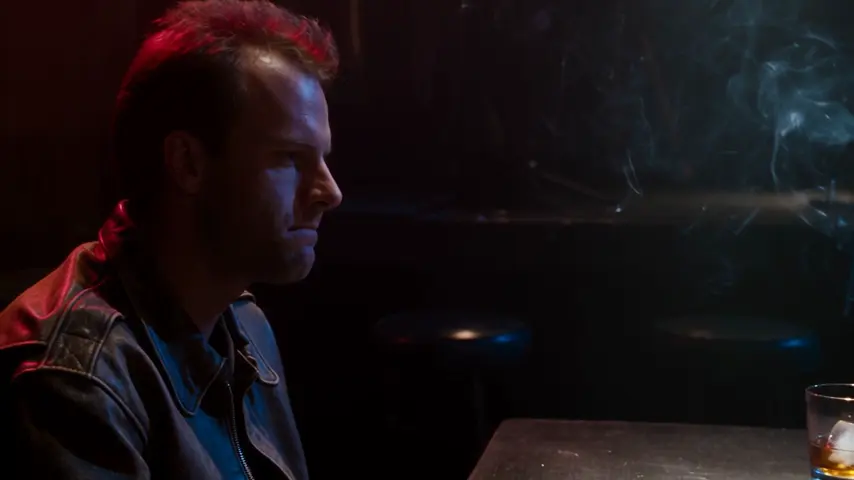
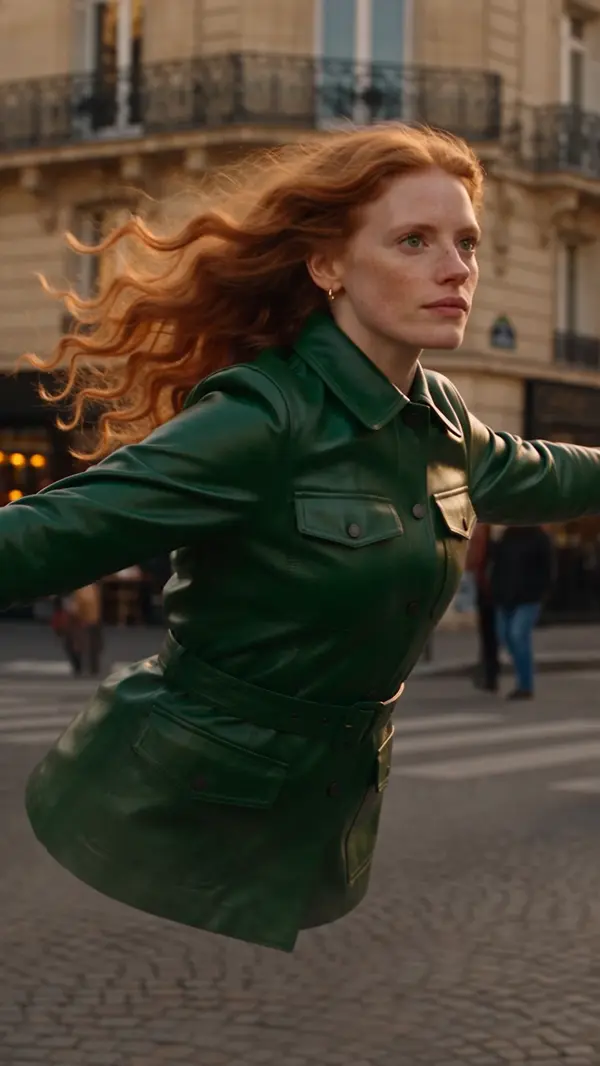
A short film needs continuity — the same faces, the same light, a rhythm — and single-prompt tools do not have it. eroq does: Characters with reference photos and voices, a look shared by every scene, a progressive storyboard with takes and re-renders, voice lines rendered in the cast's voices, and a community shelf to premiere on.
Opens the studio with this filled in. Sign up when you generate: 40 free credits, no card.
From story to cut
- →Write the story in Cinema's Story tab, scene by scene and shot by shot, or let Clap draft it; eroq RP+ in the text studio can rework the dialogue with you.
- →Cast: one Character per role, reference photos, a voice each.
- →Look: film type, era, tempo, gear, lens, palette, set once in the Film tab of the side panel.
- →Shoot shot by shot, up to 100 shots; link a shot to the one before (Continue the shot, Same scene, new angle) so it holds; keep the best take, re-render the weak ones.
- →Dialogue lives in the shots, spoken on the engines that render sound and dubbed in each character's own voice with Dub the lines; cut the film on the Edit tab, with subtitles from the Story, and export one MP4.
Engines for narrative
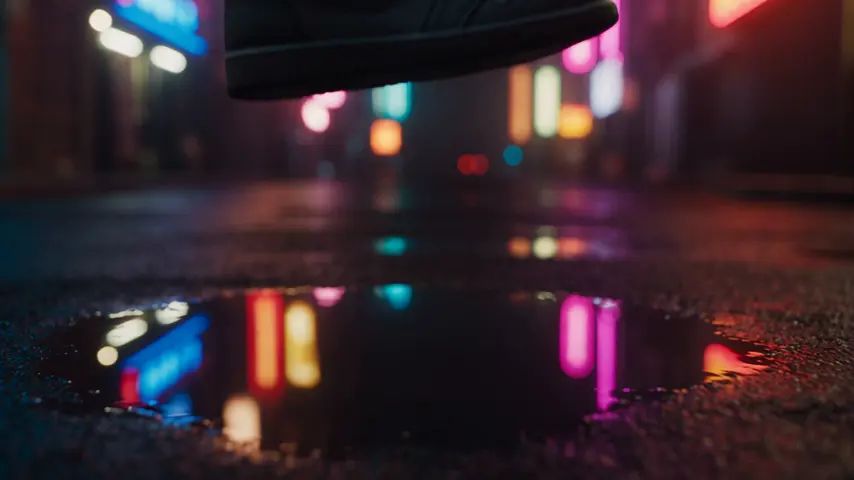
Seedance 2.5 for long takes up to 30 seconds, end-frame control and a cast held from up to six reference pictures; Kling for close-ups that carry emotion; Hailuo 3 for weather and establishing shots; Veo 3.1 when a line of dialogue belongs in the shot; Motion One when the story needs an uncensored, private engine. Seeds on Seedance, Veo and Wan let you revise a take instead of re-rolling it.
Starting points
Pick one: it goes into the box at the top, ready to generate.
Frequently asked questions
How long can an AI short film be?
A film holds up to 100 shots, grouped in scenes; each shot runs 1–30 seconds depending on the engine and plan. Chain films for longer pieces.
Can characters talk?
Voice lines render in the voice studio with each Character's voice. In the shot itself, Veo 3.1 renders spoken lines with the picture, and on Seedance and Hailuo 3 a Character's voice sample rides along with the reference pictures.
Where do I show it?
Publish it to the community with its cover, or export the cut as one MP4 from the Edit tab.
Keep exploring