







Oct 13, 01:42:07 AM·Ready · Took 1 min 8 sec · −816 credits
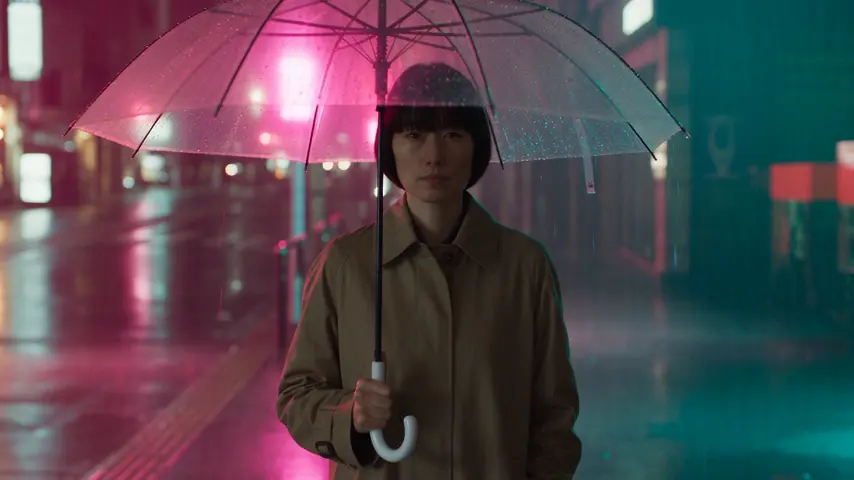
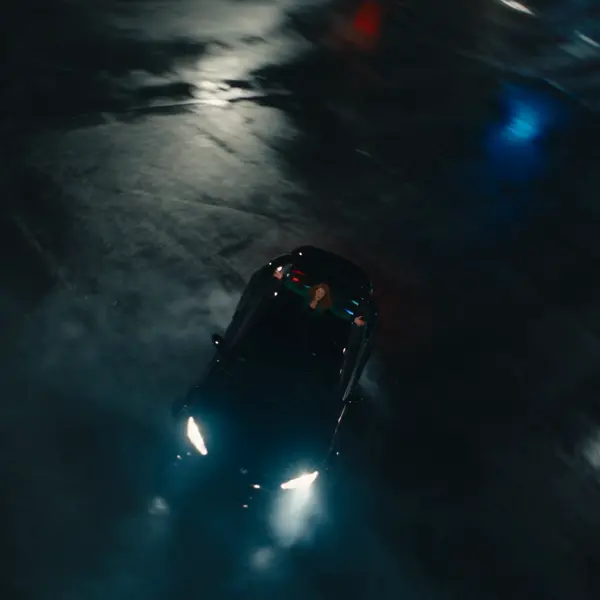
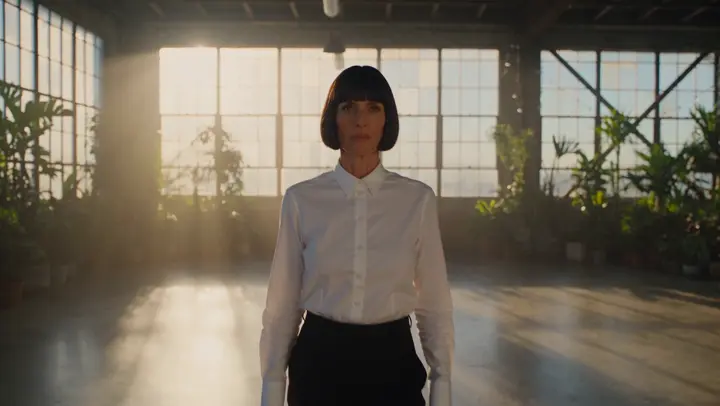
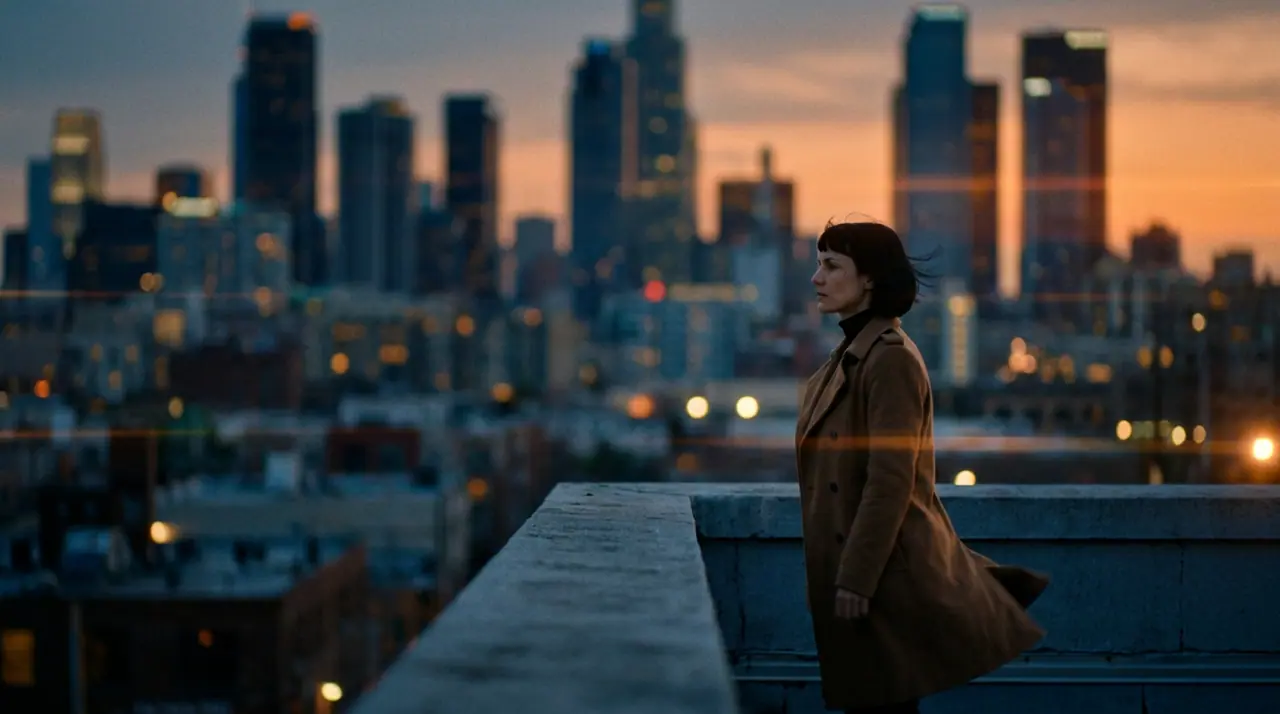
@Mara on a rooftop at dusk, her coat caught in the wind, the city lighting up below. anamorphic, 35mm. push-in
Veo 3.1 Fast · 8s · 1080p · 16:9 · 2 takes

Extend Lead into
Tool
Most AI video generators hide their model behind a brand. eroq names them (Seedance, Veo, Kling, Hailuo, Runway, Wan and Grok) next to Motion One, its own uncensored engine, and builds the studio around choosing the right one. Video's tabs: Create for a clip from a prompt or a picture, Edit to upscale, extend or re-shoot a clip you already have, Replace to recast one, Effects for trend effects on your own picture, and the Editor to cut it all together. Films have their own room, Cinema, and ads theirs, the Ads Studio.
Opens the studio with this filled in. Sign up when you generate: 40 free credits, no card.
Video · Create
@Mara on a rooftop at dusk, her coat caught in the wind, the city lighting up below. anamorphic, 35mm. push-in
Oct 13, 01:42:07 AM·Ready · Took 1 min 8 sec · −816 credits
@Mara on a rooftop at dusk, her coat caught in the wind, the city lighting up below. anamorphic, 35mm. push-in
Veo 3.1 Fast · 8s · 1080p · 16:9 · 2 takes
Each engine has a signature. Kling holds faces through fluid motion; Hailuo 3 brings convincing physics at 2K; Seedance holds a cast from six reference pictures and goes to 30 seconds on 2.5; Veo renders dialogue with the picture; Runway keeps close to the prompt; Motion One renders uncensored and keeps nothing upstream. Picking the engine is a creative decision, and the studio shows the exact credits before you commit.
Everything the studio does is the public API: POST /v1/videos/generations with the same parameters, signed webhooks when a render lands, a storyboard endpoint that shoots a whole film in one call, an MCP server so ChatGPT, Claude and Cursor can generate video, a CLI, and a panel inside Premiere Pro and After Effects.
Clap · AI agent
Describe the result in Ask. Clap asks what it needs, picks the engines, writes the prompts and prices the plan. Once you approve, it renders everything into your library. Fully automated, and nothing runs before you say yes.
Ask · Clap
Clap · Thought for 6s
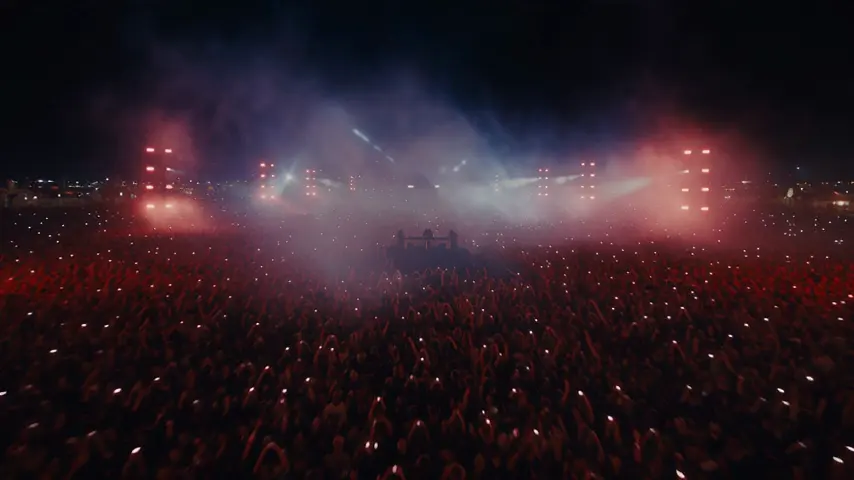
Three takes on the same move, each its own clip. Here is the plan.
Production
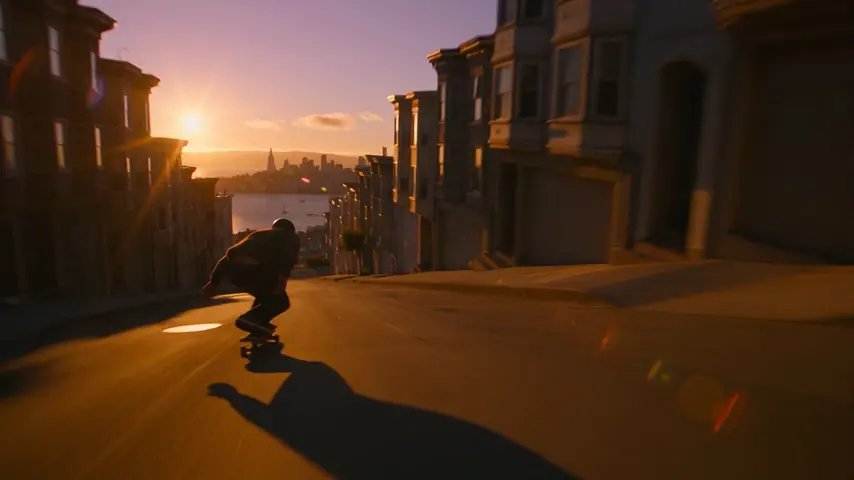
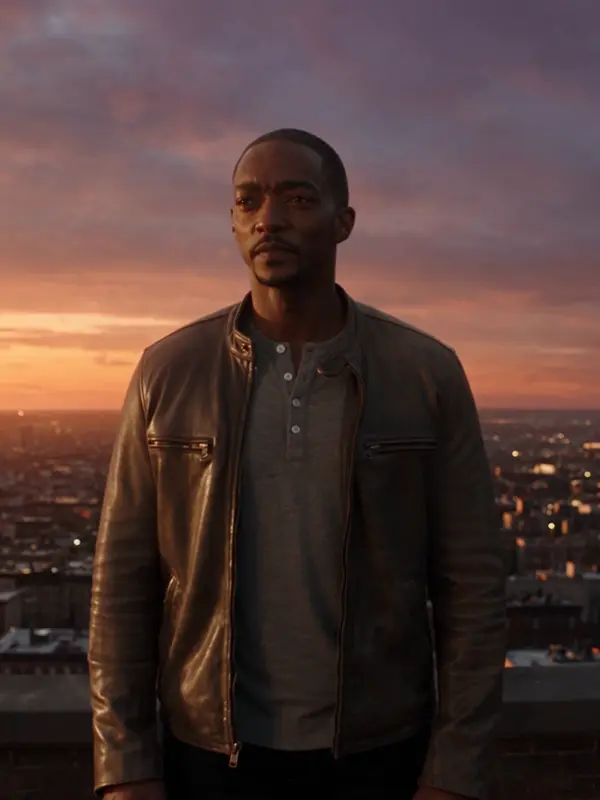
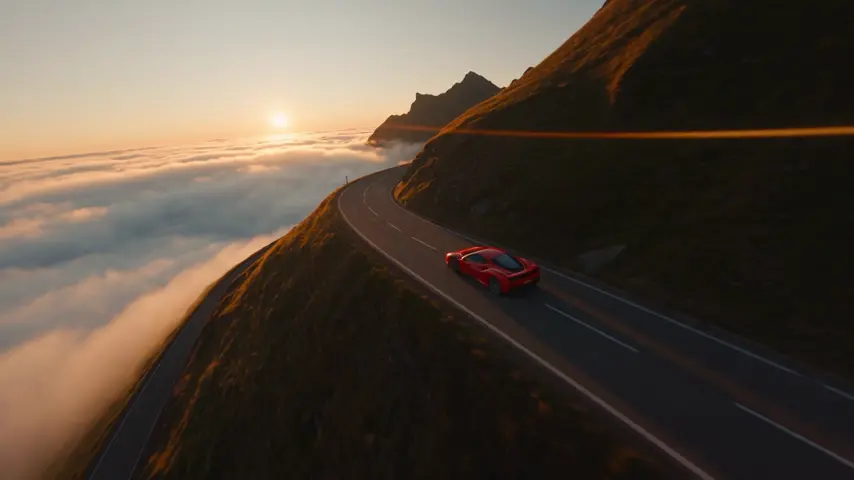
Saved to your library
Pick one: it goes into the box at the top, ready to generate.
The one that lets you pick the engine for the shot. eroq serves Seedance, Veo, Kling, Hailuo, Runway, Wan and Grok and its own Motion One under one composer, with the casting, camera and storyboard tools the raw engines lack. Judge it on the 40 free credits.
New accounts get 40 credits — enough to test images, voice and chat, and one five-second eroq Motion One clip at 480p (35 credits). More video means a pack (from $10 for 1,000 credits) or a plan (from $15/month, credits roll over and unlock the premium engines).
Yes. Your plan sets the ceiling per clip (15 seconds on Hobby, 20 on Creator, 30 from Studio), and Seedance 2.5 and Wan 3.0 run all the way to 30. Beyond that, Extend chains the next shot onto the last frame of a clip, and Cinema builds a film of up to 100 shots, exported as one MP4.
On most engines: Seedance, Veo, Kling, Hailuo 3 and Wan 3.0 render sound with the picture (dialogue, ambience and effects on Veo), and eroq's own engines have sound too: Motion One bakes its soundtrack in, Motion Pro renders it. For voice-over, the voice studio renders MP3 narration on eroq Voice One or eroq Voice Turbo, and Music One writes a song for the soundtrack.
Motion One is — eroq's own engine, uncensored within a written acceptable-use policy. The other engines are moderated upstream by their providers.
Keep exploring