
Tool
Cinema: the AI film maker
A film is not one prompt. Cinema is a room for films: you write the Story, scene by scene, each scene a place at a time with its cast, each filmed in shots. A shot can continue the one before from its last frame, or take the same scene from another angle, so the people and the place hold from one shot to the next. Render the shots on the engine you choose, then cut them on a timeline and export one MP4, right in your browser. The look is set once for the film, any scene can change it, and a cover makes it ready to share.
Opens the studio with this filled in. Sign up when you generate: 40 free credits, no card.
Cinema · Neon Rain
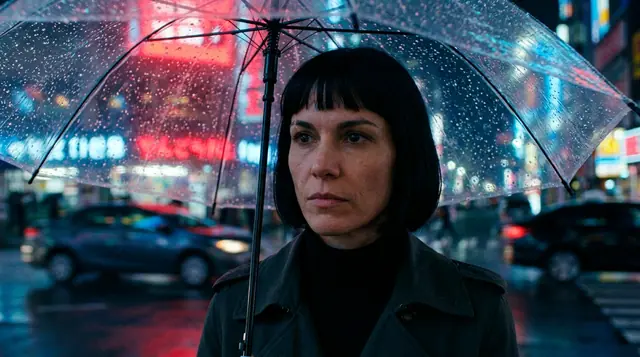
Neon Rain
Seedance 2.5 · 16:9 · 720p
Notes A courier with one night left in the city. Rain, neon, and the people she leaves behind.
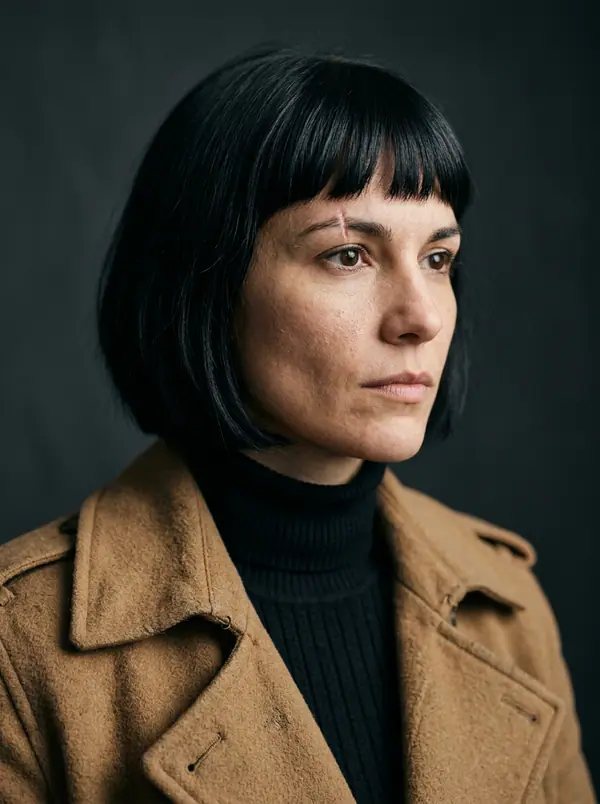 Mara Add characterScene look
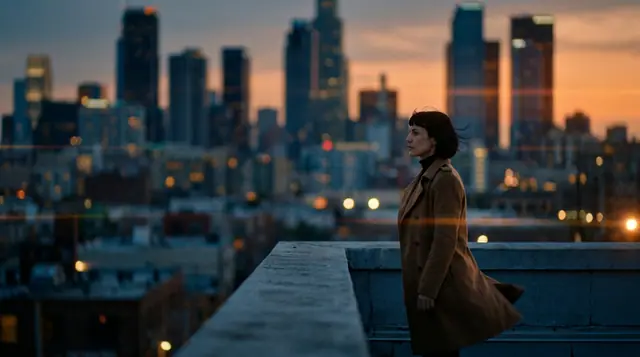
Dusk. @Mara looks down at the city she is about to leave.
↔ Wide6s
 In the cutT1
Rain on her umbrella. The car is waiting across the street.
↔ Push-in5s
In the cutT1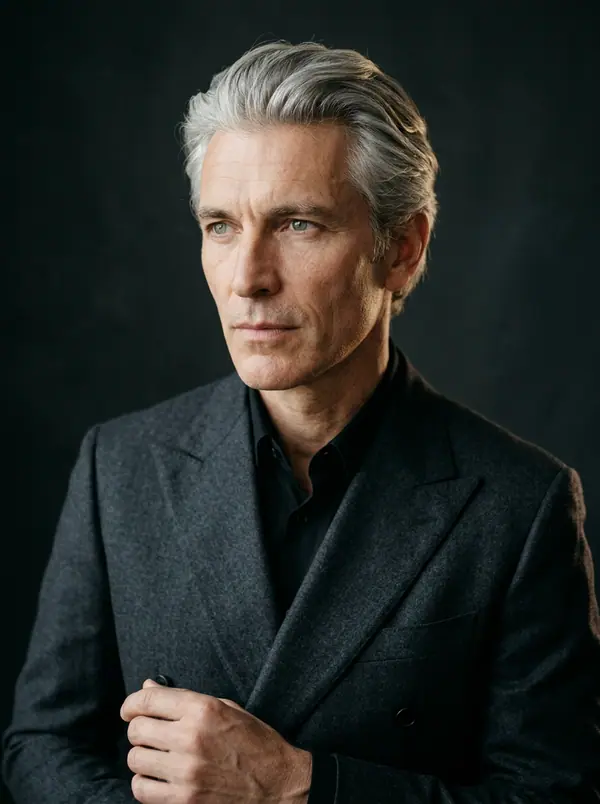
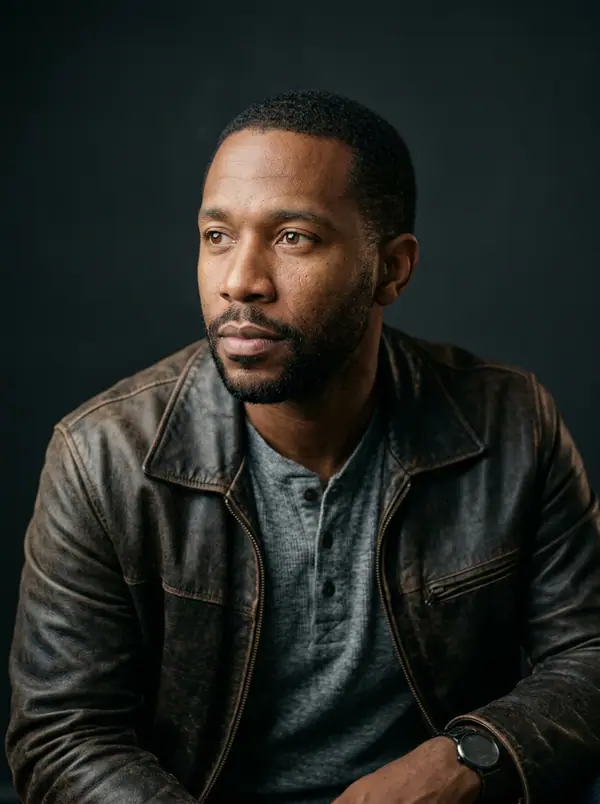
- Shots
- Up to 100 per film, grouped in scenes · up to 30 seconds each, as the engine and your plan allow
- Takes
- 1 to 4 per render · the best one goes in the cut
- Dialogue
- Up to 30 lines per shot · dubbed in the cast's voices · subtitles in one click
- Export
- One MP4 or WebM in your browser · 480p to 1440p · 16:9, 9:16, 1:1, 4:5
- Price
- Each shot at its engine's price per second · editing and export free
- Links
- Continue the shot (last frame) · Same scene, new angle (reference) · new shot
Story and Edit: two tabs, one film
- →Story: the film's block first (its look, its cover, notes that never reach an engine), then the scenes. A scene is a place and a time ("INT. BACK ROOM, NIGHT"), the characters who are there and its notes; it holds its shots. Read it as a list or as a storyboard of cards, and zoom out to see the whole film.
- →Shots: what happens, the camera move, the length, the lines of dialogue, 1 to 4 takes per render. Keep the best take, re-render one shot while the others stay put, or let Enhance rewrite it as a director would, following the shot before. Up to 100 shots per film.
- →Edit: the take in the cut of every shot lands on a timeline, in order. Trim, add transitions, titles, music and sound, grade the picture, turn the dialogue into subtitles, then export one MP4 in your browser. It is the eroq Editor, on your film.
- →Cover and History, in the side panel: a still of one of your shots as it is, or a poster rendered on an image engine with the title lettered on it, up to four at once. History keeps every take, poster and dub of the film by batch, and everything lands in the film's own folder of your Library, named after it.
Dialogue, cast and voices
Characters join a scene with Add character, or by an @mention in a shot: their look sheets ride as reference pictures on the engines that read them, so the same face carries from the first shot to the last. Lines live in the shot they belong to: who says it, how ("whispering", "to herself") and the line; on engines that render sound the characters speak them. Dub the lines then reads every line of a shot in its character's own voice and lays the track under the shot in the Edit, so each voice stays the same across the film.
One look, shots that follow each other
The film's settings hold the engine, the format, the resolution, the sound and a director's rack: film type, era, tempo, camera, lens, aperture, lighting and palette, folded into every shot. A night scene in a day film overrides the film's settings on that scene, or on a single shot.
Between two shots, the link says how the second one is made: Continue the shot opens it on the last frame of the shot before (on the engines that start from a picture), Same scene, new angle keeps the place and the people from that frame in another framing (on the engines that read references), and no link is a new shot. Switch the engine between two shots and each keeps the take it rendered, so one film can mix engines.
Start from a sentence
Ask Clap on the studio home for a short film: it writes the story, prices every render in a plan you approve and, once the clips are in, opens the production in Cinema. It can also open one of 6 film recipes by name (perfume ad, music video opener, horror teaser, streetwear drop, romance short or travel diary) with the scenes and the look already written. In Video, shots chained with Extend open in Cinema as a film, ready to cut. Inside Cinema, the Ask tab of the side panel sets the film's look, a scene or a shot from a sentence.
Render, export and publish
Render one shot, one scene, or the whole film: Render shots first asks which ones (the missing, the changed, or all), shows the price and how long it takes, and renders a linked shot only once the shot before it has landed. The Edit tab renders the cut to one file in your browser: MP4 or WebM, 480p to 1440p, in the film's frame or reframed to 16:9, 9:16, 1:1 or 4:5. Exporting costs no credits; a saved MP4 lands in your Creations and counts against your Storage. Publish the film to the community with its cover (a film is reviewed before it goes public). The API does the same work through POST /v1/films and POST /v1/films/{id}/render.
Clap · AI agent
Or let Clap make the whole film
Describe the film in Ask. Clap asks what it needs, writes each scene and its lines, casts your characters, storyboards the film and prices the plan. Once you approve, it renders each shot, and one click opens the cut in Cinema. Fully automated, from one sentence to a timeline.
- 1Clap asks one question at a time and keeps the brief, the cast and the storyboard up to date.
- 2The plan lists every render and its price before anything runs.
- 3One click on Approve and everything renders. Failed takes refund themselves.
Ask · Clap
Clap · Thought for 6s
The storyboard is ready: three scenes, a neo-noir look, Mara, Kai and Ivo cast from their sheets. Here is the plan.
Production
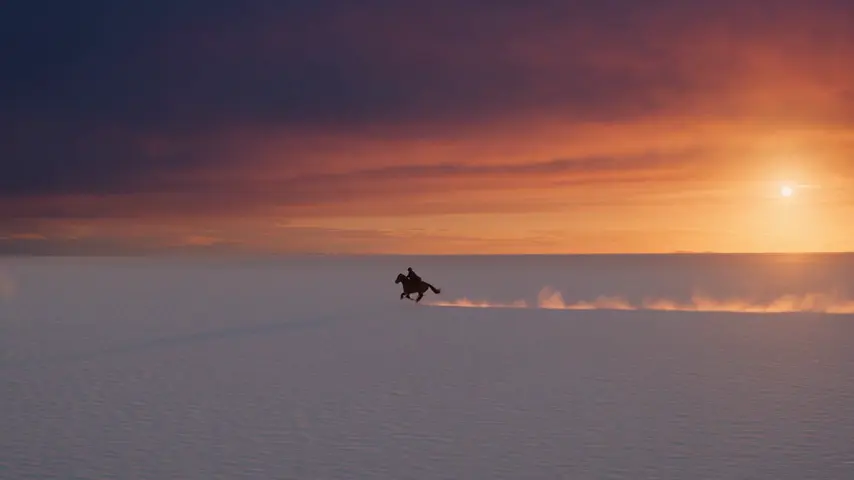
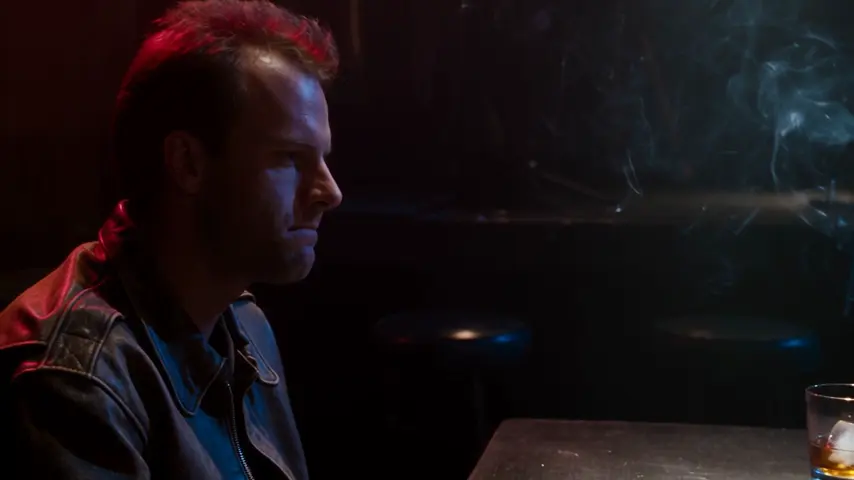
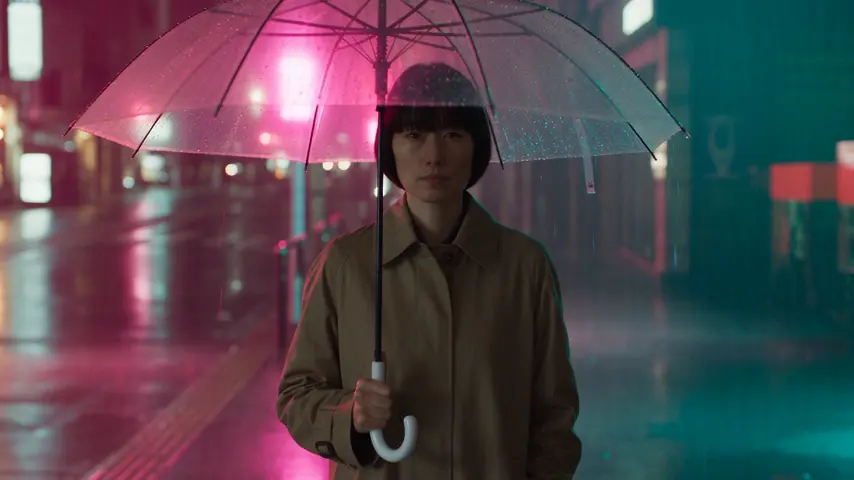
The cut opens in Cinema
Starting points
Pick one: it goes into the box at the top, ready to generate.
Frequently asked questions
How many shots can a film have?
Up to 100 shots per film, grouped in as many scenes as you like, each shot up to 30 seconds as the engine and your plan allow, with 1 to 4 takes per render.
Can the characters speak?
Yes. Write the lines in the shot, with who says them and how; on engines that render sound the characters speak them. Dub the lines reads them again in each character's own voice, under the shot in the Edit, so a voice stays the same from shot to shot. The dialogue also turns into subtitles in one click.
Is the film exported as one file?
Yes. The Edit tab renders the cut to one MP4 (or WebM) in your browser, 480p to 1440p, in the film's frame or reframed for vertical, square or 4:5. Exporting costs no credits; a saved MP4 counts against your Storage.
Can I re-render one shot without redoing the film?
Yes. Re-render any shot from the Story: the others and their takes stay put, and the cut follows the take you pick. A shot linked to it says so, and Render shots offers to make it again from the new take.
Can I start a film without writing it all?
Yes. Ask Clap on the studio home for a short film and it writes the story with you, or ask for one of the 6 film recipes by name. You can also chain shots in Video with Extend and open them in Cinema as a film.
Can I automate films?
Yes: POST /v1/films with a recipe of scenes, then POST /v1/films/{id}/render queues every scene as a video job.
How do shots stay consistent from one to the next?
Three ways. The cast's look sheets ride every shot on the engines that read references. A link between two shots builds the second from the first: Continue the shot starts it on the last frame, Same scene, new angle uses that frame as a reference for another framing. And the film's look (film type, era, lens, light, palette) is folded into every shot.
Keep exploring