



Ads Studio
A brand kit from your website, in about a minute
Every ad starts from the same questions: what do you sell, to whom, how does the brand look and talk. Paste your website and Clap answers them from the site itself. You review the kit, fix what it guessed, keep the products you want, and every static ad, video ad and variant follows it from then on.
Opens the studio with this filled in. Sign up when you generate: 40 free credits, no card.
Ads Studio · AMBRE
AMBRE
Pictures with their text, in the size of each place they run
1Where will these ads run?
Sizes: 4:5 · 9:16. Headlines up to 40 characters, text up to 125.
2What do they sell?
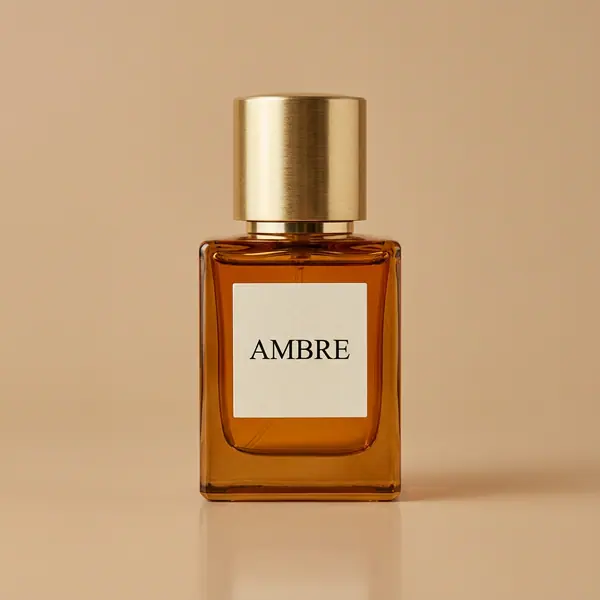 AMBREEau de parfum, 50 ml4
4 ads in 2 sizes: 8 pictures.
Planning is free. Each render is billed as it starts.
- Reads
- Logo, palette, fonts, tagline, tone, selling points, aesthetics, audience, description, socials, products
- Products
- Up to 8 per import, each filed as an Element with its photo
- Brands
- Up to 20 per account
- Price
- Free: reading the site and writing the kit cost no credits
What the import reads
- →The name, the tagline and a description of what the brand sells.
- →The logo (it offers the candidates it found), up to five brand colors (the kit holds 6) and the fonts the site uses.
- →The tone of voice, the selling points, the aesthetics and the audience, written from the site's own words.
- →The social profiles it links to, and up to 8 products from a Shopify or WooCommerce feed, product structured data or the product pages. Read any page of the site again later to add more.
What each field changes
The palette, the aesthetics and the fonts shape the pictures; the selling points, the audience and the tone shape the words Clap writes. A precise kit ("clean, warm daylight, cream backgrounds, soft shadows") makes better ads than a vague one ("modern").
By hand, too
No website, or a site that says little? Fill the same kit field by field. A live preview shows a feed post, a story and a square ad wearing the brand while you type. Up to 20 brands per account; agencies keep one per client.
Clap · AI agent
Or let Clap make the ad
Describe the result in Ask. Clap asks what it needs, picks the engines, writes the prompts and prices the plan. Once you approve, it renders everything into your library. Fully automated, and nothing runs before you say yes.
- 1Clap asks one question at a time and keeps the brief, the cast and the storyboard up to date.
- 2The plan lists every render and its price before anything runs.
- 3One click on Approve and everything renders. Failed takes refund themselves.
Ask · Clap
Clap · Thought for 6s
The keyframe first, then the clip from it, then the voiceover. Here is the plan.
Production



Saved to your library
Frequently asked questions
What is a brand kit?
The set of things every ad of a brand should respect: name, logo, colors, fonts, tone of voice, what it sells and to whom. In the Ads Studio it is a form that steers every picture and every line Clap writes.
Does it work with any website?
It reads public pages. A store on Shopify or WooCommerce gives the richest result, products included; a site that blocks robots or renders everything in the browser gives less, and you complete the kit by hand.
Is the import free?
Yes. Reading the site and filling the kit cost no credits; only the ads you render do.
Can I change the kit later?
Yes, in the brand's Brand kit tab, or fill it again from the site. Every ad made after a change reads the kit as it is saved.
Can I add products after the import?
Yes. In the Products tab, read any page of your site again (a collection, a product page) and tick the products to add, or add one from a photo or its page link. Mark it physical (shown as itself) or virtual (an app, a course, a subscription, shown on a screen).
Keep exploring