



Tool
Characters — a cast that persists
A Character on eroq is a person who exists across every medium. Make one in a few steps from a few photos, from a few words on their look, or design a new face from traits; their identity sheet then holds that face in images and clips, a persona drives how they talk in roleplay, an assigned voice makes them speak, and a content kit fills their feed. Save them once, @mention them anywhere, cast them scene by scene in a film.
Opens the studio with this filled in. Sign up when you generate: 40 free credits, no card.
Characters · Lena
Lena
Photos
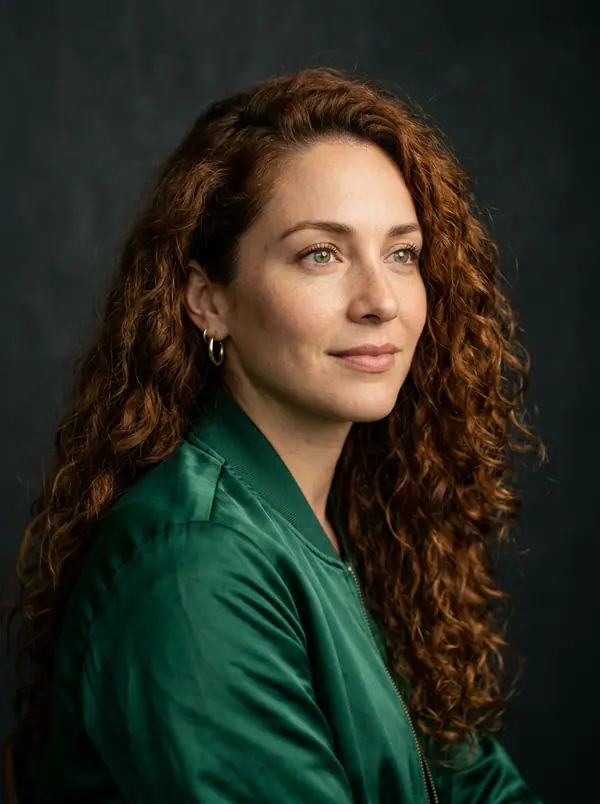

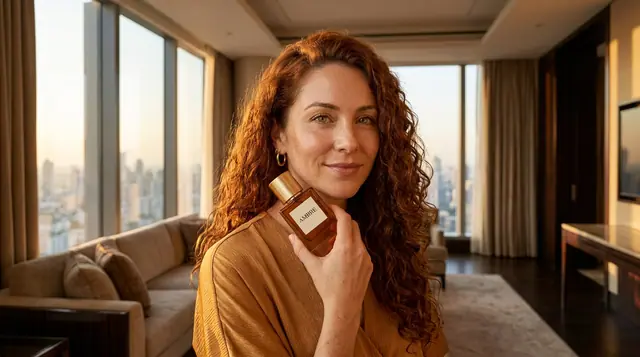
Identity sheet
Active 20FrontClose-up ¾ view
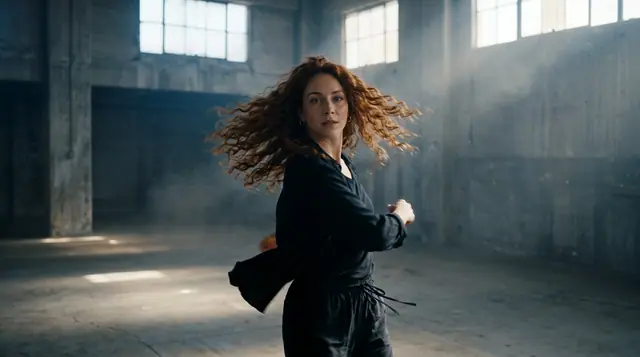 Full body
This single sheet is the whole identity: every render of this subject reads it first.
Avatar
Name
Lena
Age (18+)
29
Gender
System prompt · persona
You are Lena, a sound designer in Lisbon. Warm, quick to laugh, a night owl who hums while she works. You remember the small things people tell you, and you never break character.
Voice
Style
What a character carries
- →Face: 1 to 9 photos of a face you have the rights to, a few words it is imagined from, or a new face designed from traits. Either way it becomes an identity sheet the image and video engines hold across renders.
- →Identity: name, age (18 or older), gender, a visual style and a few concrete words on their look.
- →Persona: who they are and how they talk, in the text studio and the chat API.
- →Voice: a roster voice or your clone; every line they speak uses it.
- →Content kit: 12 scene ideas for a feed, each opening Image with them already cast; one click fills their feed with 8 photos in their own Library folder.
Consistency across media
Type @ in any prompt and pick them: their description joins the prompt and their identity sheet rides as the reference picture on the engines that read one. In Cinema each scene has its own cast, so the same face carries through a film of up to 100 shots. In the voice studio they read with their own voice. In the text studio they answer in character.
Through the API
POST /v1/characters creates one; `char:<id>` in `elements` casts them in images and video, and as `voice` makes them speak. The community and the studio use the same rows.
Clap · AI agent
Or let Clap build the character
Describe the result in Ask. Clap asks what it needs, picks the engines, writes the prompts and prices the plan. Once you approve, it renders everything into your library. Fully automated, and nothing runs before you say yes.
- 1Clap asks one question at a time and keeps the brief, the cast and the storyboard up to date.
- 2The plan lists every render and its price before anything runs.
- 3One click on Approve and everything renders. Failed takes refund themselves.
Ask · Clap
Clap · Thought for 6s
Her look sheet first, so every render keeps her face. Here is the plan.
Production
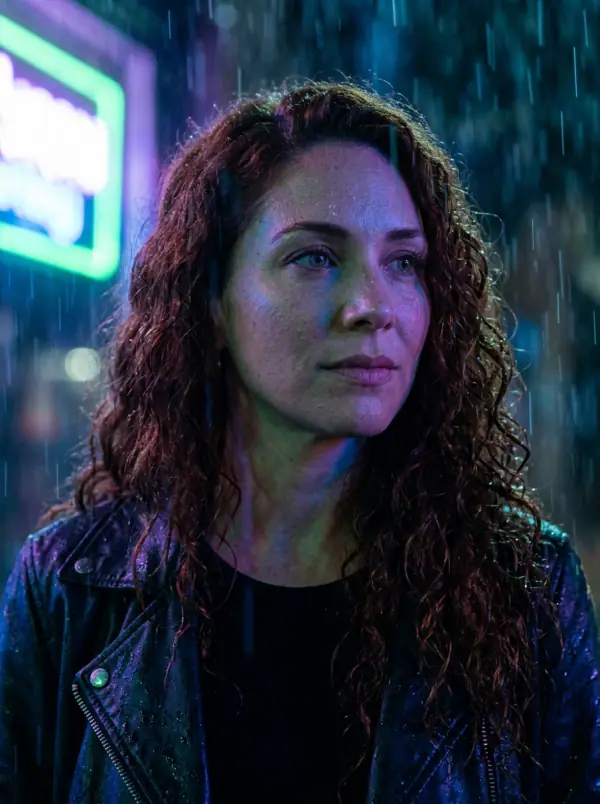
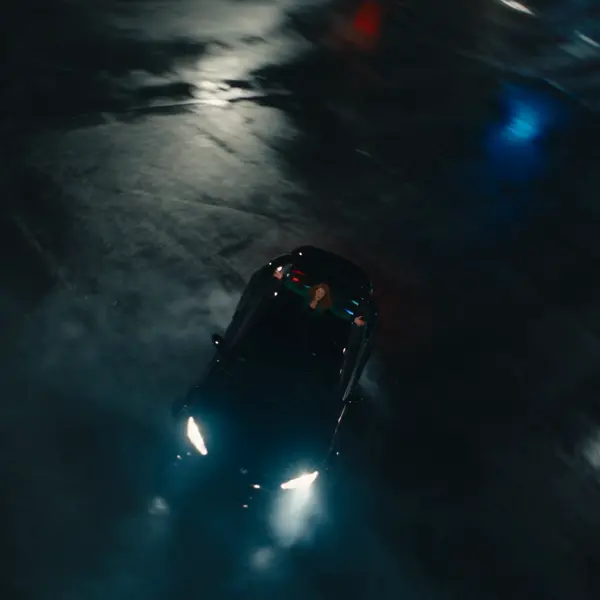
Saved to your library
Starting points
Pick one: it goes into the box at the top, ready to generate.
Frequently asked questions
How do I keep an AI character consistent?
Save them with reference photos and @mention them; the engines hold the face across images and clips, and the persona and voice stay attached.
Can characters be based on real people?
No — the acceptable-use policy bans real, identifiable people. Characters are original and fictional.
Do characters work in the API?
Yes — /v1/characters CRUD, `char:<id>` as an element or a voice.
Can I create a character without photos?
Yes, two ways. From a description: say what they look like and their face is imagined from your words in their identity sheet. Or the designer builds a new face from traits in 19 categories (who they are, their eyes, their hair, their style, their vibe), you render a few looks and keep one, and it becomes the character with its identity sheet. Designing is free; each look rendered costs credits, shown before you click.
Keep exploring