


Use case
Music visuals
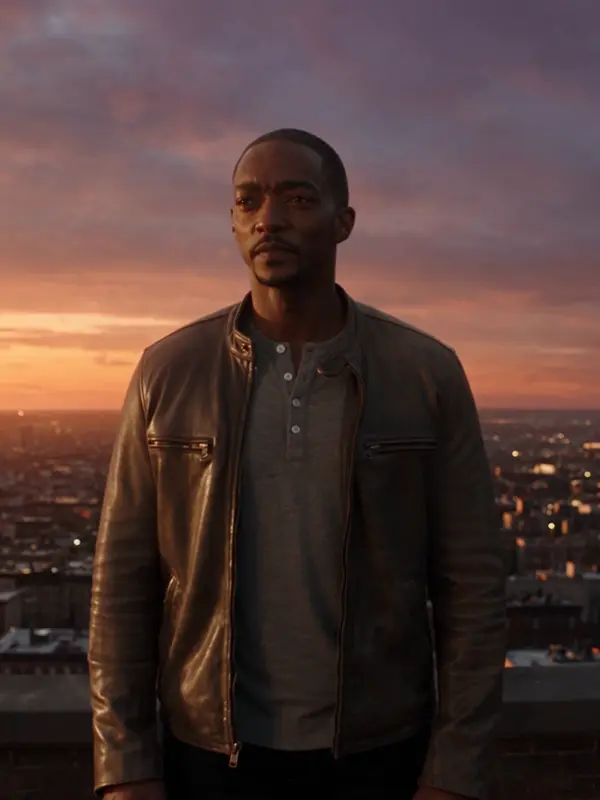
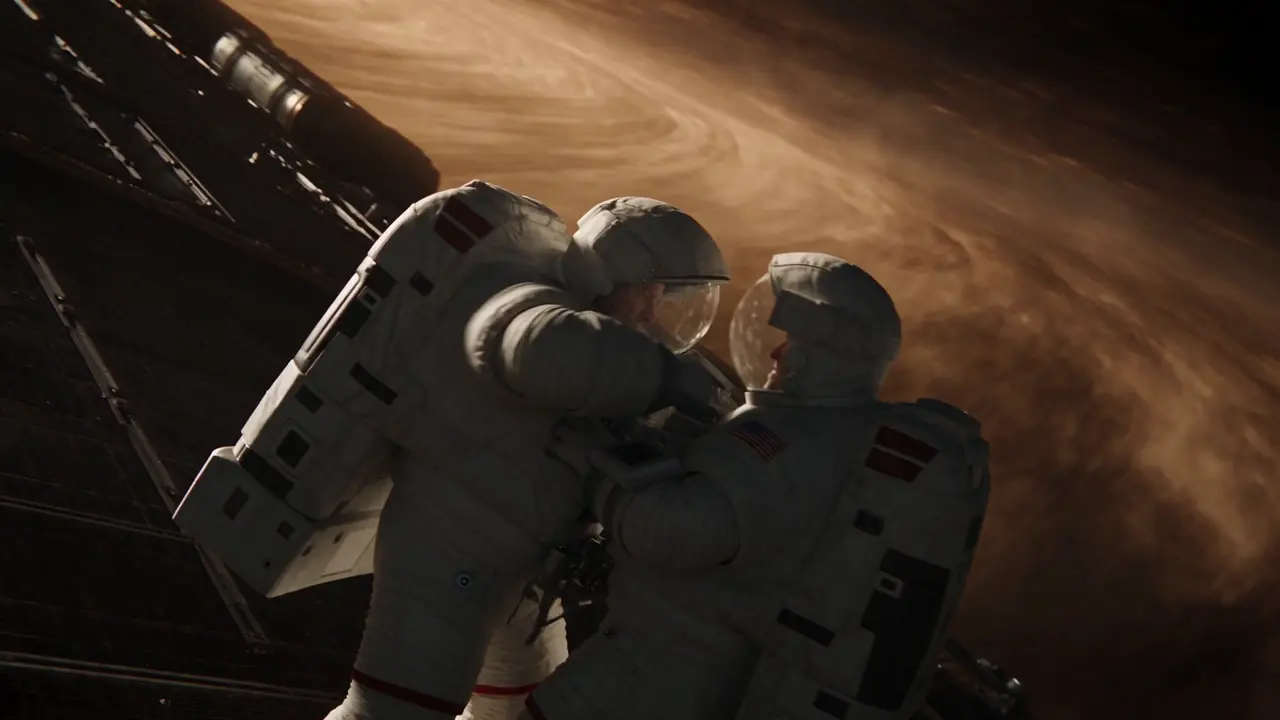
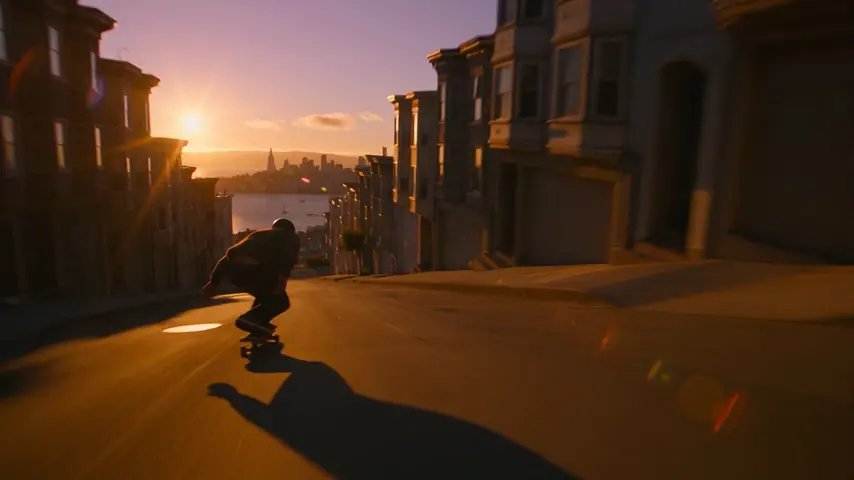
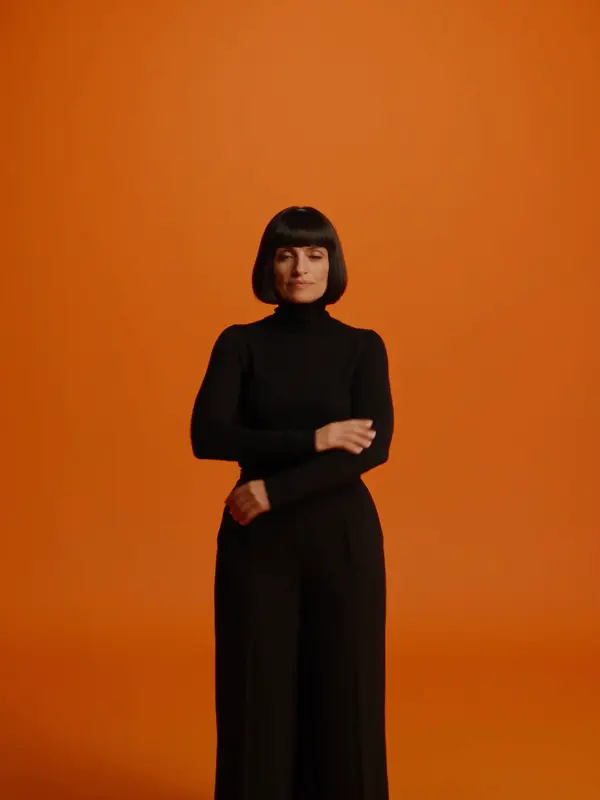
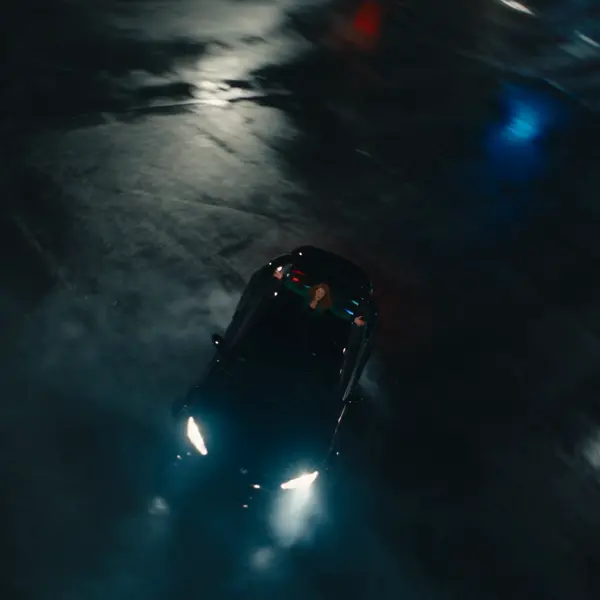
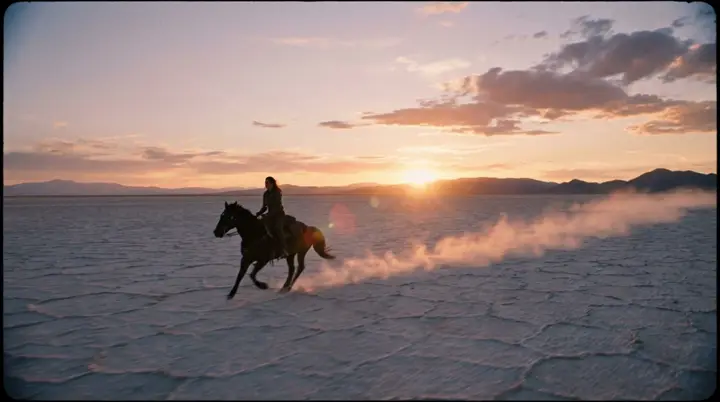
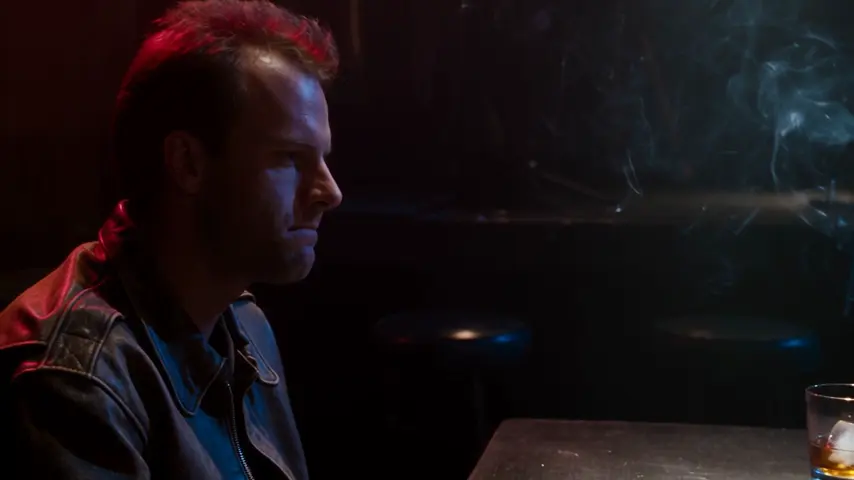
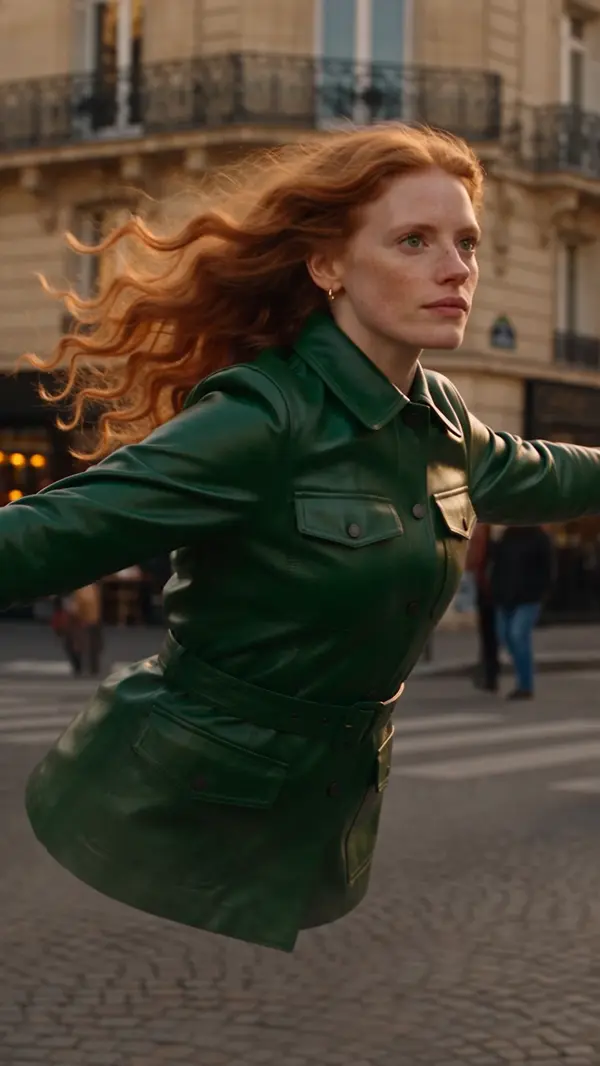
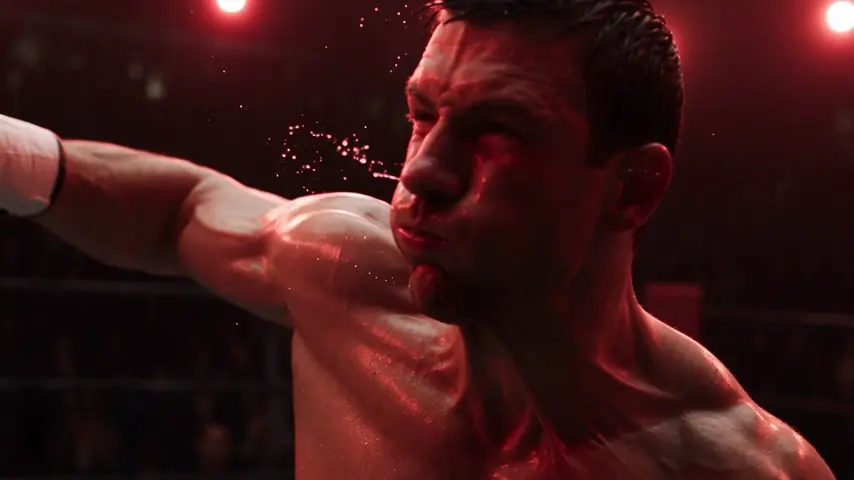
A music clip is a storyboard with a tempo. Set the look — Music video film type, a palette like neon noir or candy pop, a Dynamic or Chaotic tempo — and build it scene by scene in Cinema: a performance beat, a cutaway, an abstract loop. Hailuo 3 brings camera language at 2K; Seedance the slow-motion dream; Veo 3.1 Fast renders ambience for a bridge.
Opens the studio with this filled in. Sign up when you generate: 40 free credits, no card.
Scene types that cut well
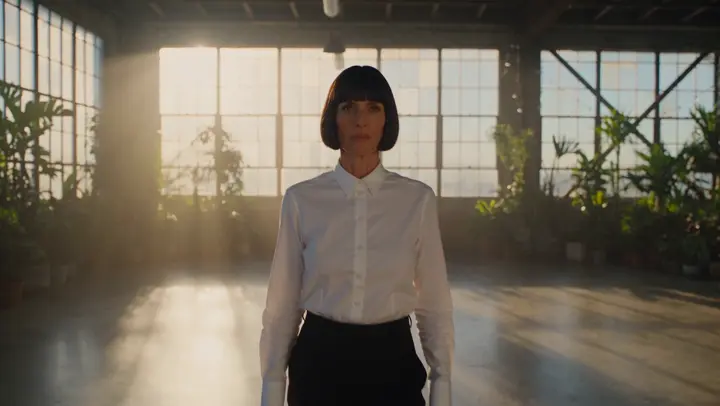
- →Performance: a singer under a single light, whip pan into close-up, practicals only.
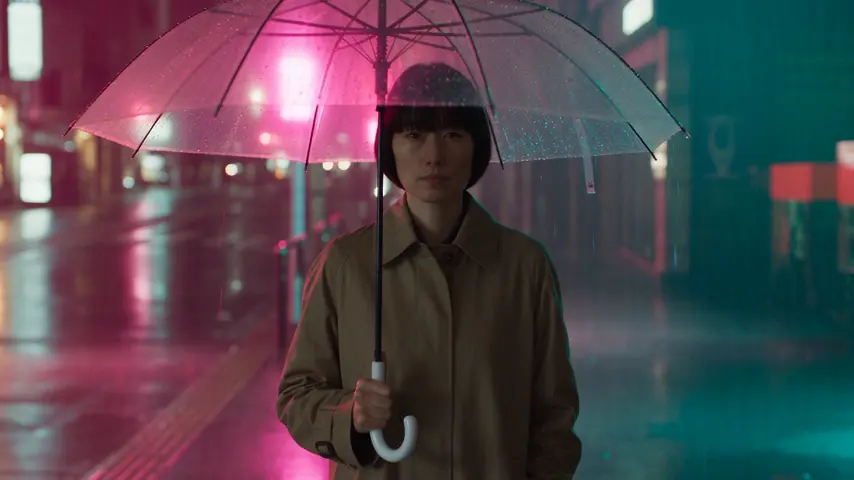
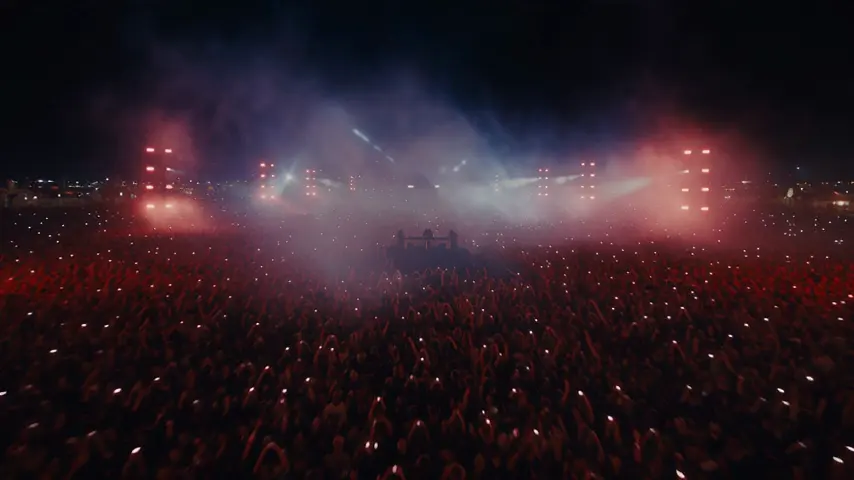
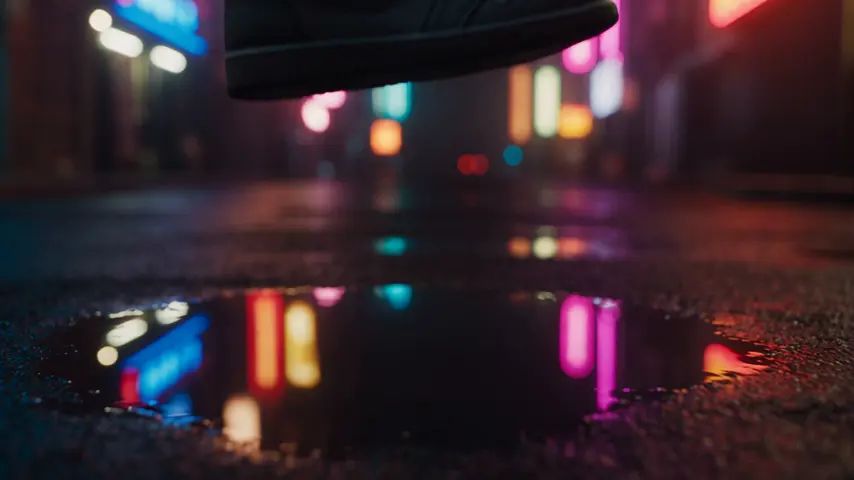
- →Cutaways: rain on neon, silk in slow motion, a crowd from above — texture between vocal lines.
- →Loops: a 5-second orbit or slow pan that repeats cleanly under a verse.
Budget for a three-minute clip
Twelve scenes of 8 seconds on Seedance 2.0 are 12 × 512 = 6,144 credits, plus a 480p draft of each on Seedance 2.0 Fast at 144. About 7,872 credits for the full clip — inside the Studio plan's monthly 20,000 — and the Editor cuts the visuals on the beats of your track.
Starting points
Pick one: it goes into the box at the top, ready to generate.
Frequently asked questions
Can AI generate a full music video?
As a film in Cinema: up to 100 shots, grouped in scenes, cut against your track on its Edit tab. Cinema keeps one look across all of them.
Does eroq generate music?
Yes: eroq Music One makes the song itself, with vocals and instruments or as an instrumental, from one sentence or your own lyrics, at 3 credits per 30 seconds of song, and Score a film starts a Cinema film on it. Many engines also render sound with the picture (dialogue, ambience and effects on Veo 3.1, native sound on Wan, Seedance and Kling, a baked-in soundtrack on Motion One).
Can the cuts be synced to the beat automatically?
Yes. The Editor reads your track's beats in the browser: Cut on the beat re-cuts your clips on them in the style you pick, and cuts and hits snap to the beats when you edit by hand. Render each clip a little longer than the cut needs (Seedance engines take any whole number of seconds) so every cut has room to land.
How long can one film run?
Up to 100 shots per film, each up to the length its engine and your plan allow (30 seconds on Seedance 2.5 or Wan 3.0 from the Studio plan). Longer pieces mean chaining several films and joining their exports in the Editor.
Keep exploring